79 - iBook (14.1 LCD 16 VRAM) Take Apart
Display Clutch Cover
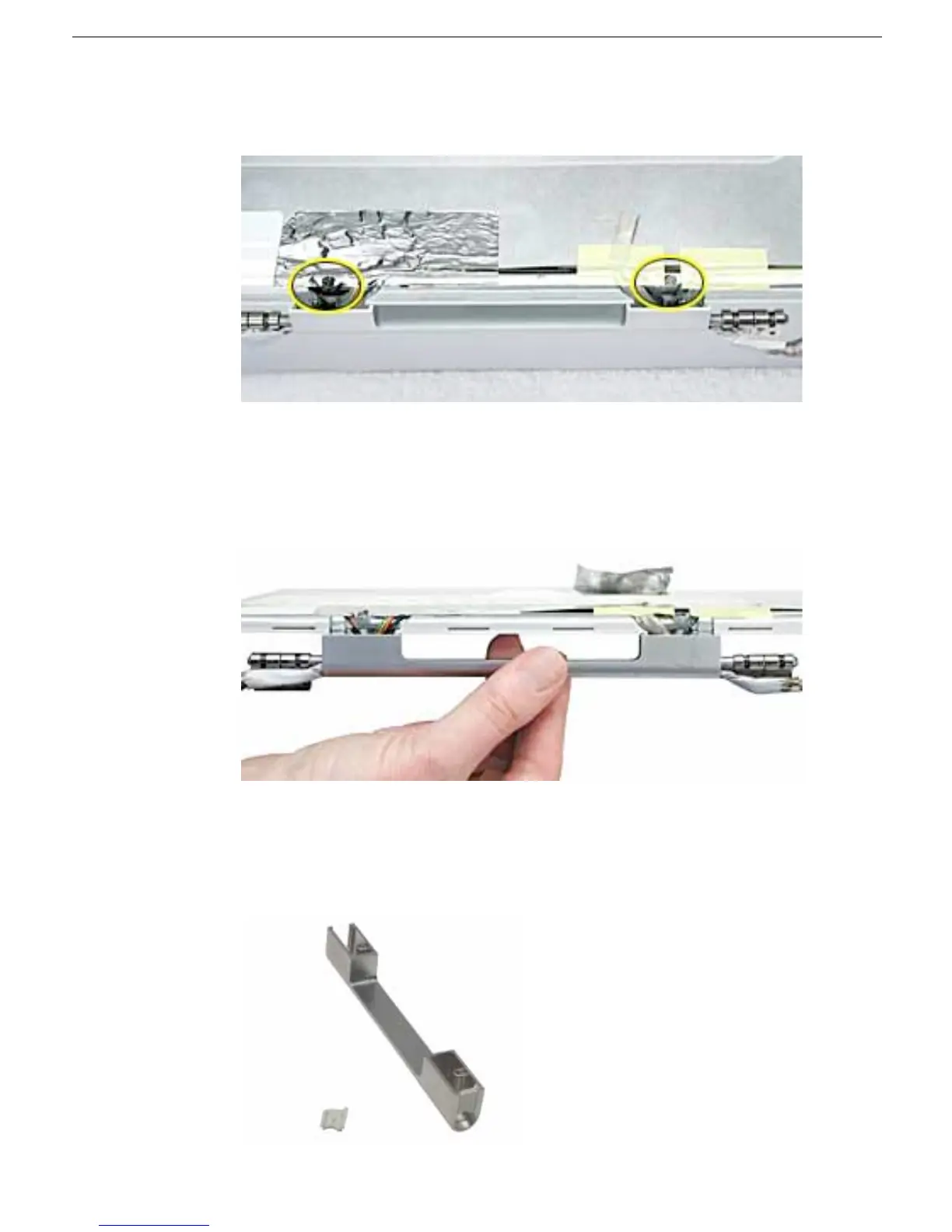
5. Peel up the tape if it covers the two screws at the clutch. Remove the two 11-mm long
Phillips screws.
6. Tilt up the display assembly and pull straight down on the display clutch cover.
Note: There are two small, thin, plastic clutch caps that slide into the ends of the
clutch cover. The clutch caps might fall off as you remove the clutch cover. Be careful
not to lose the clutch caps.
Note: The clutch caps are mirror images of each other. There is a right clutch cap
and a left clutch cap. Note the positioning of the clutch caps on the display clutch
cover. The image below shows the left clutch cap installed.



 To Next Page