iBook (14.1 LCD 16 VRAM) Take Apart - 80
Display Clutch Cover
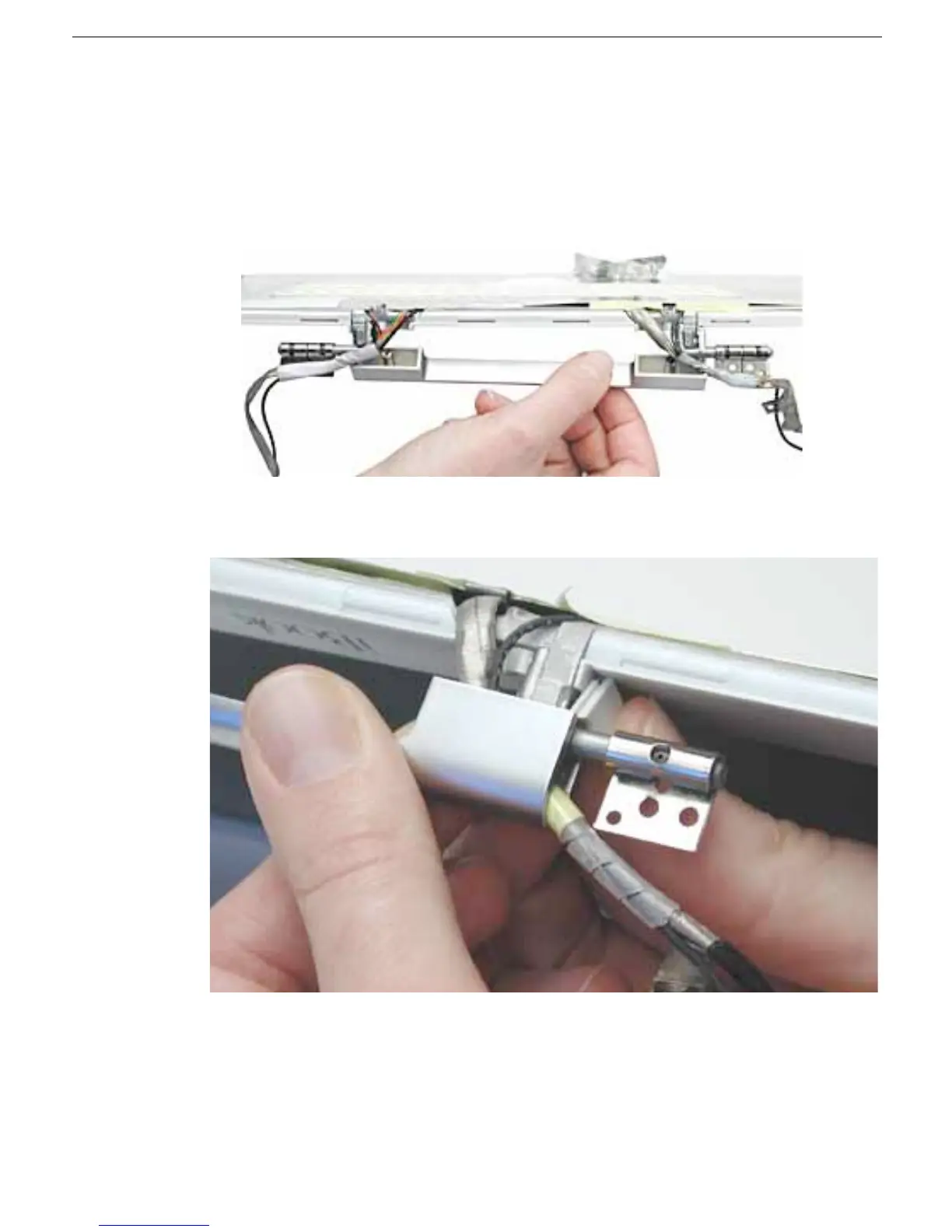
7. Install the replacement display clutch cover, and reassemble and test the computer.
Warning: When installing the replacement clutch cover, be careful not to strain
or pinch the cables. Make sure they fit easily into the recessed area on both
ends of the clutch cover.
Note: The bundled cables on your display might look somewhat different than shown.
Replacement Note: When installing the replacement clutch cover, hold the cables
and clutch cap in place as you slide the clutch cover over them.



 To Next Page