91 - iBook (14.1 LCD 16 VRAM) Take Apart
Antenna Board
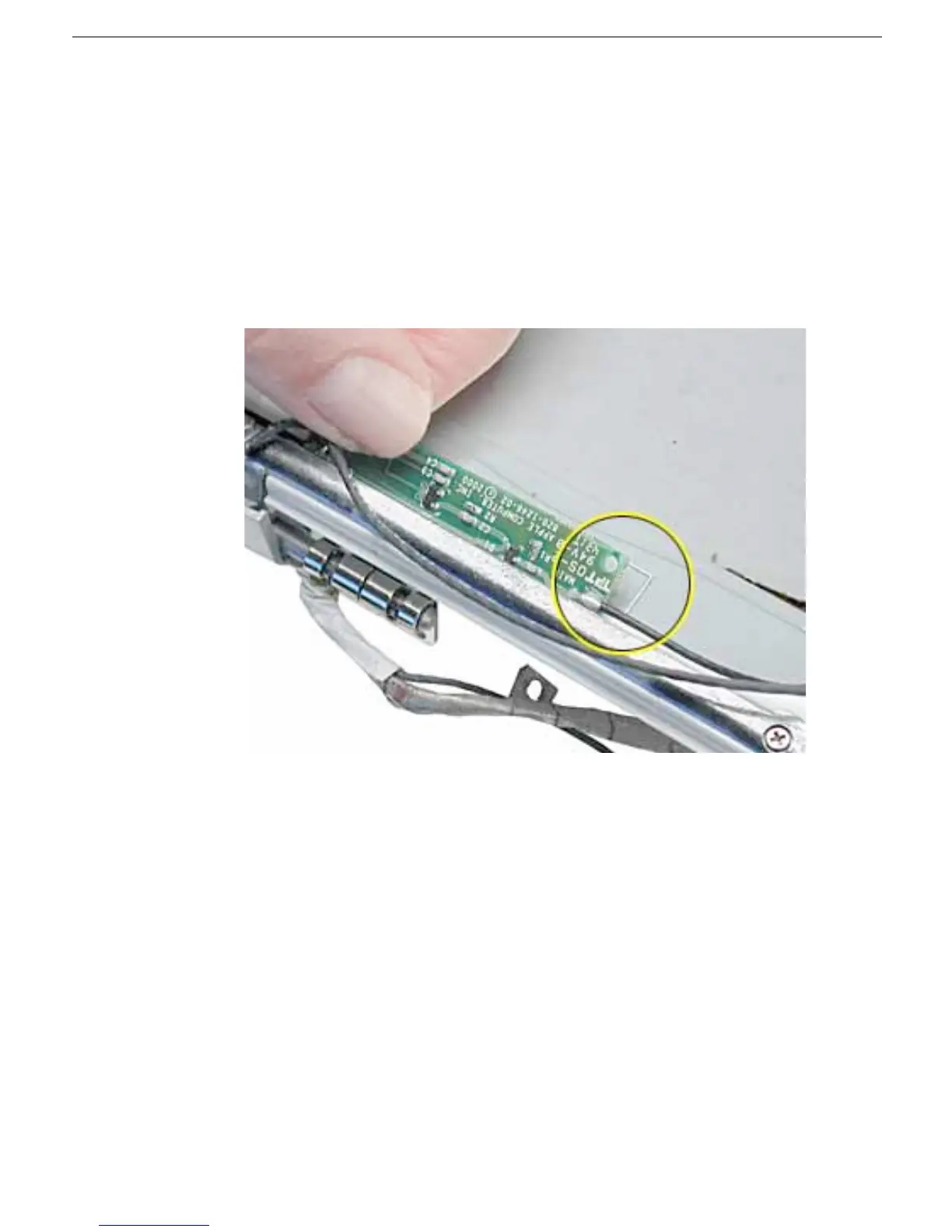
14. Install the replacement antenna board, and reassemble and test the computer.
Replacement Note: Make sure the right corner of the replacement antenna board
aligns with the raised L-shaped guide in the bezel assembly, as shown.
Replacement Note: Make sure the replacement antenna board does not cover or
pinch any cables.
Warning: Handle the replacement antenna board, receptors, and cables with
care. Do not strain or pinch cables. Do not apply pressure to or bend the
antenna receptors.



 To Next Page