iBook (14.1 LCD 16 VRAM) Take Apart -
100
Microphone Cable
5.
Warning:
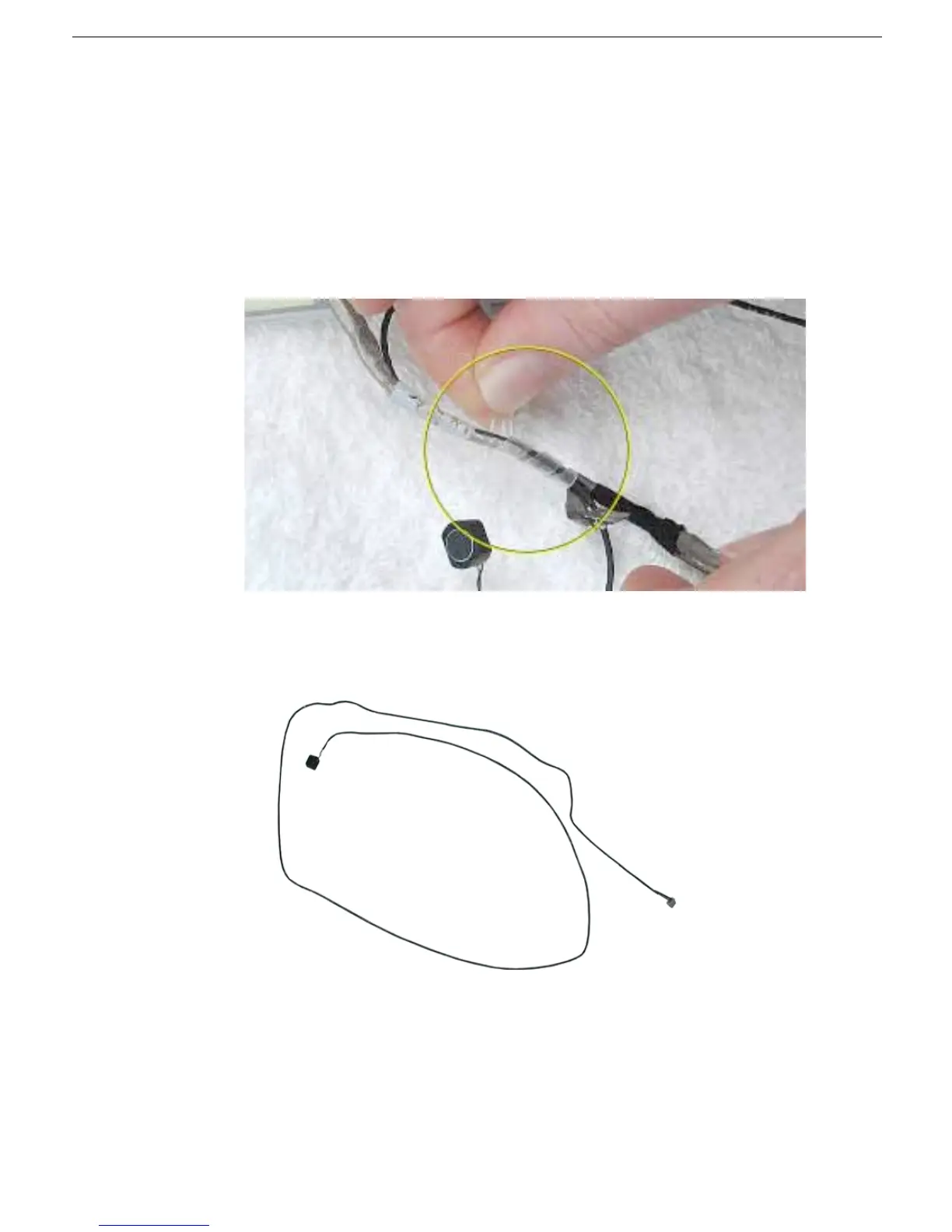
When removing the tape and spiral tube that bundles the microphone
cable to the LCD cable, be careful not to strain or pinch the cables.
Replacement Note:
When installing the replacement microphone cable, reuse the
spiral tube to bundle the microphone cable to the LCD cable. However, use new tape
when bundling the cables together.
Separate the microphone cable from the LCD cable by removing the tape, and
uncurling the spiral tube.
6. Remove the microphone cable from the assembly.
7. Install the replacement microphone cable, and reassemble and test the computer.



 To Next Page