19 -
iBook (14.1 LCD 16 VRAM) Take Apart
Bottom Case
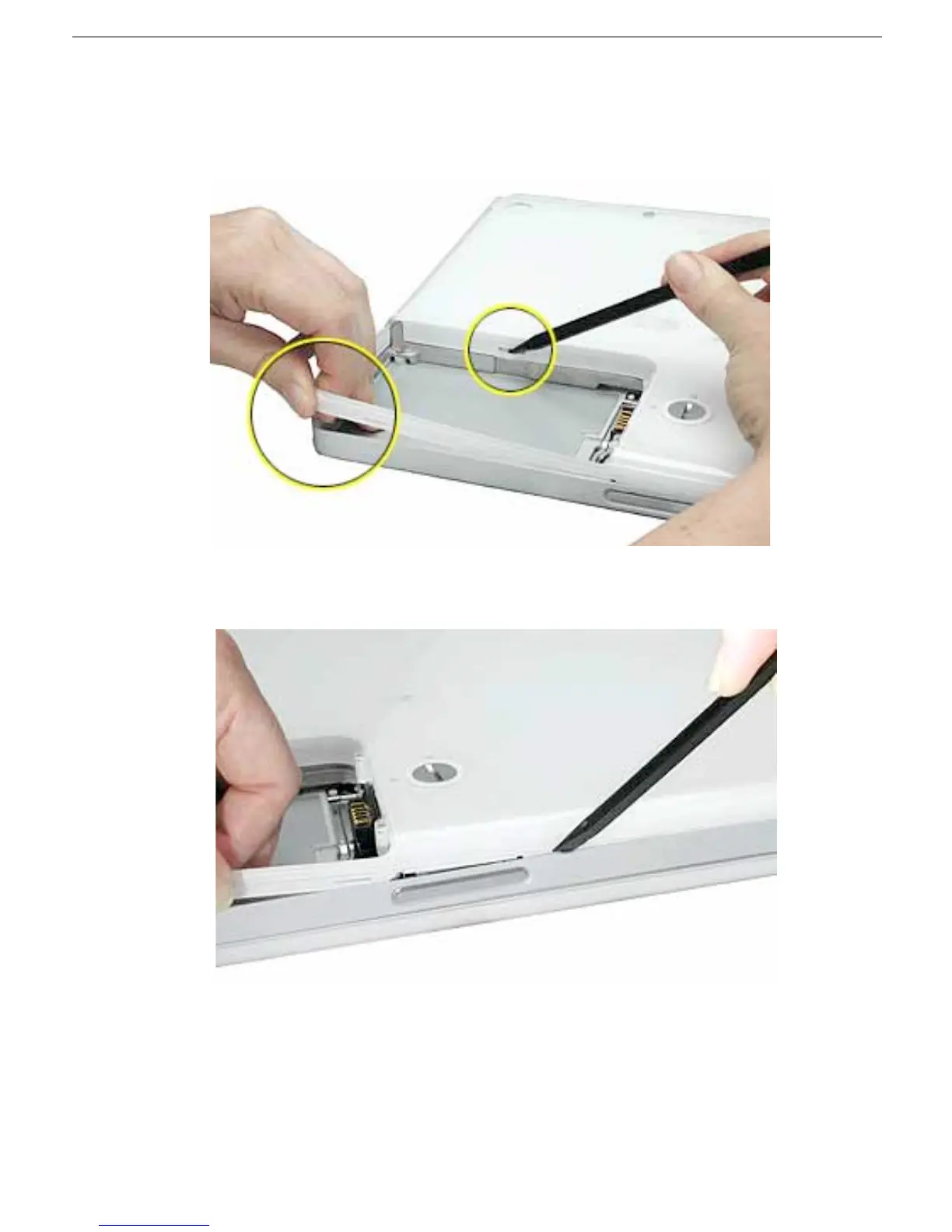
8. In the battery compartment, lift up the corner of the bottom case, and use a black stick
or jeweler’s flat-blade screwdriver to gently pry up the slot from the inner tabs on the
frame.
9. Starting at the battery compartment, use a black stick to carefully pry up the bottom
case from the computer.



 To Next Page