43 - iBook (14.1 LCD 16 VRAM) Take Apart
Hard Drive
Procedure
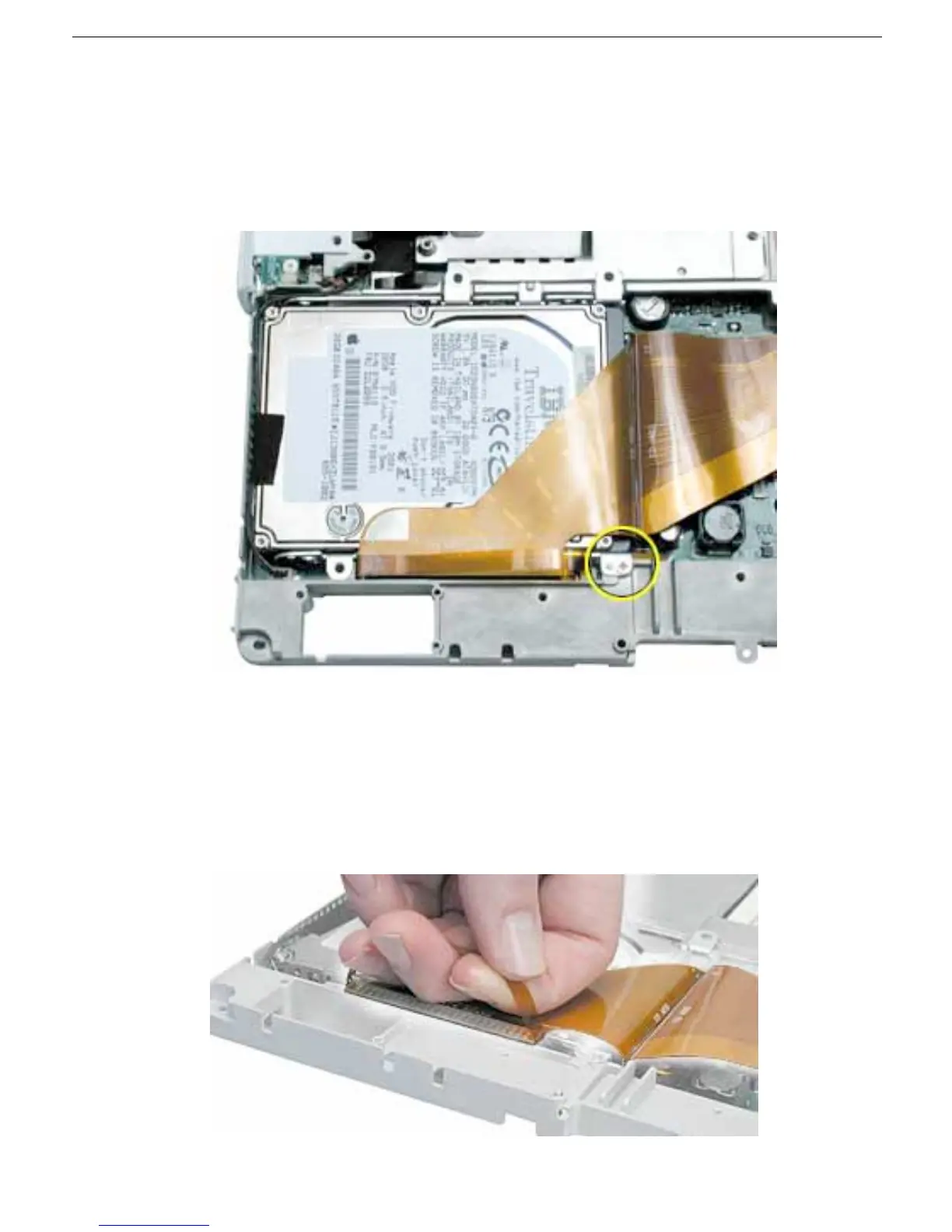
1. With the computer on a soft cloth, note the location of the hard drive and how the flex
cable is routed.
2. Remove the 5-mm long Phillips screw at the corner of the hard drive.
3. Warning: If the flex cable connector is pulled up unevenly, some connector pins
could become bent and damaged.
Using even force, pull the looped handle straight up to disconnect the flex cable from
the connector at the side of the hard drive.
Note: When installing the flex cable at the side of the replacement drive, this
connector is labeled "TO MAIN BOARD" on the flex cable.



 To Next Page