iBook (14.1 LCD 16 VRAM) Take Apart - 44
Hard Drive
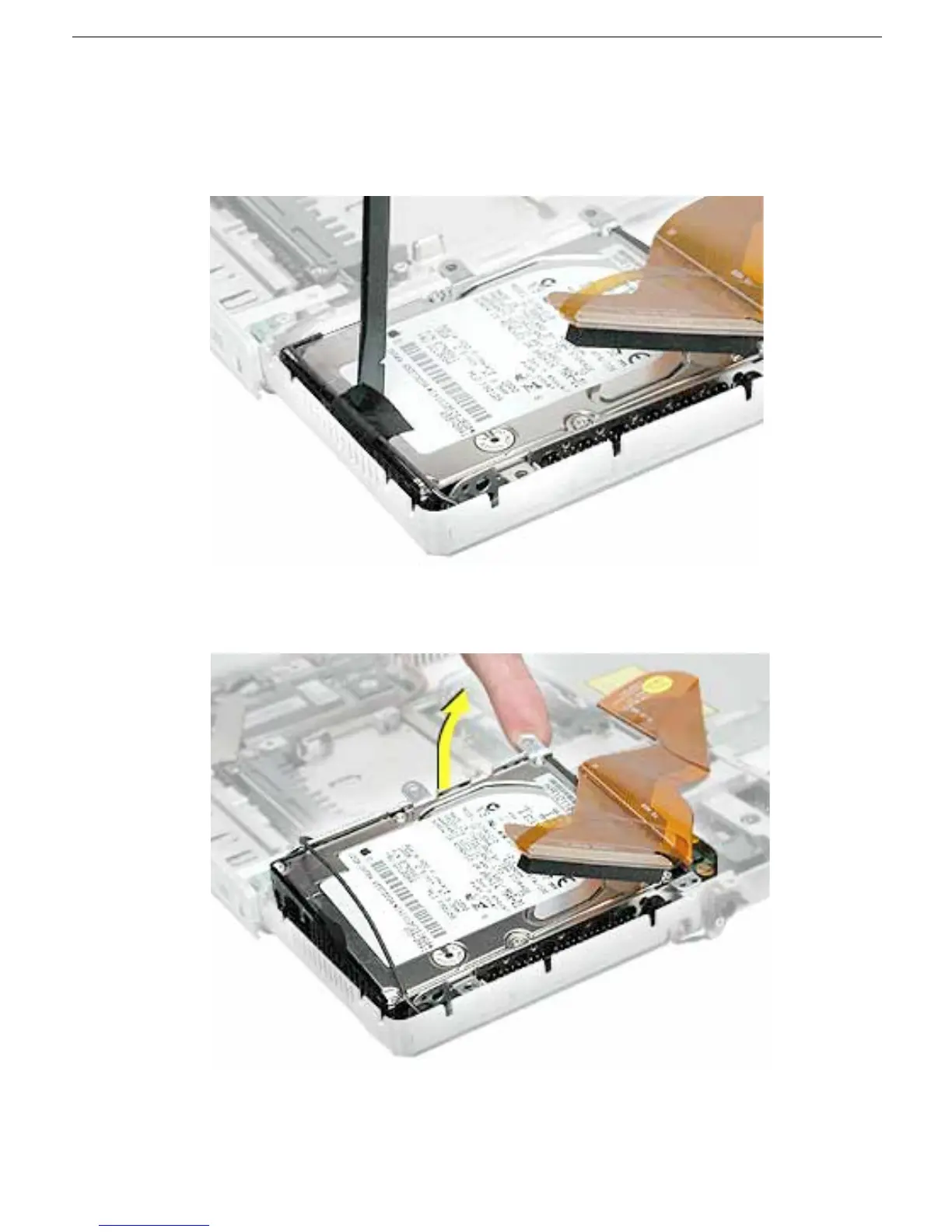
4. Lift up the fabric tape to release the microphone cable.
Note: When reassembling the computer, reuse the tape to secure the microphone
cable to the replacement drive.
5. From the corner bracket, tilt up the hard drive, and slide it out from under the
microphone cable.



 To Next Page