45 - iBook (14.1 LCD 16 VRAM) Take Apart
Hard Drive
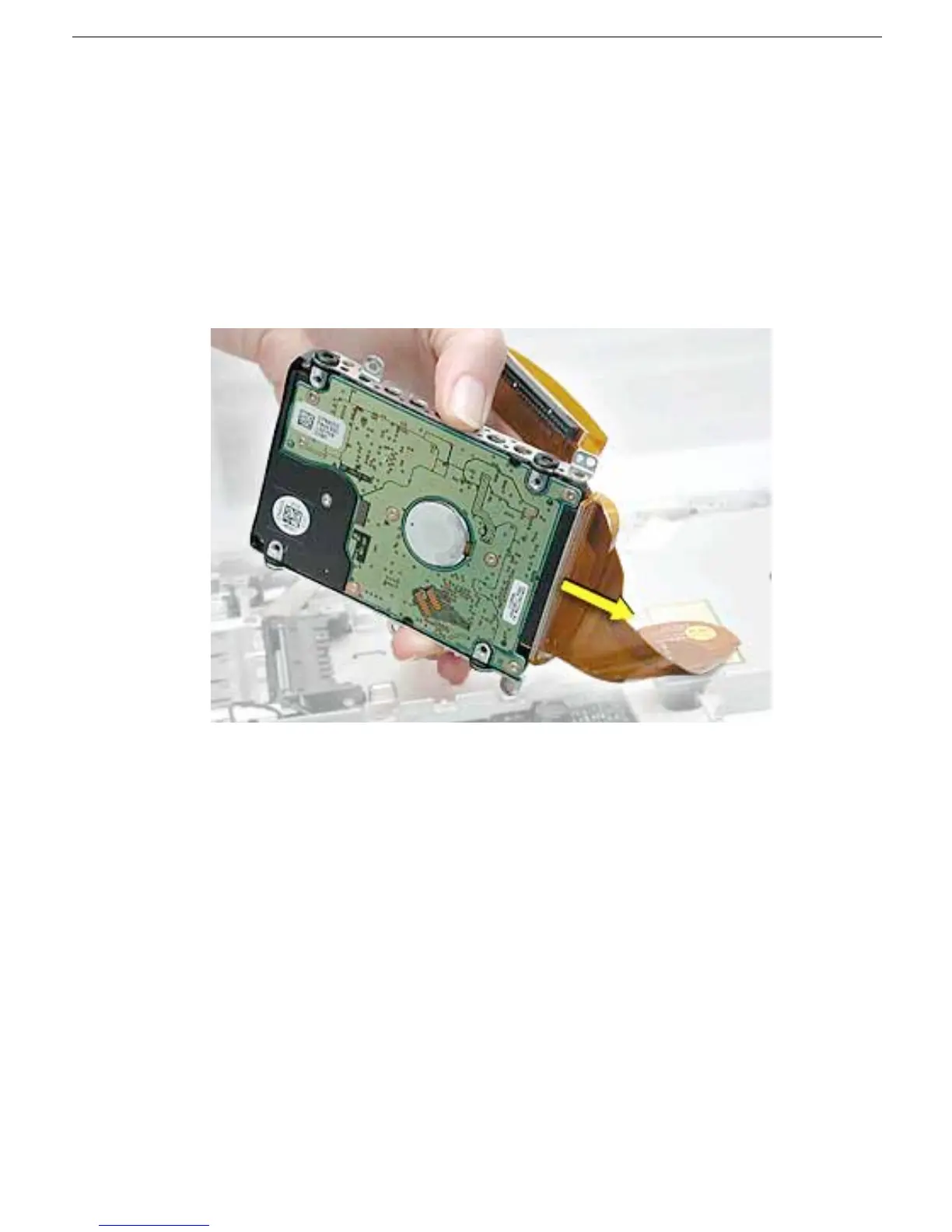
6. Warning: Handle the hard drive at the sides only. Do not touch or press
anywhere else on the drive.
Warning: If the flex cable connector is pulled out unevenly, some connector
pins could become bent and damaged.
Using even force, pull the looped handle to disconnect the flex cable from the
connector on the end of the hard drive.
Note: When installing the flex cable to the end of the replacement drive, this
connector is labeled "TO HDD" on the flex cable.



 To Next Page