iBook (14.1 LCD 16 VRAM) Take Apart - 46
Hard Drive
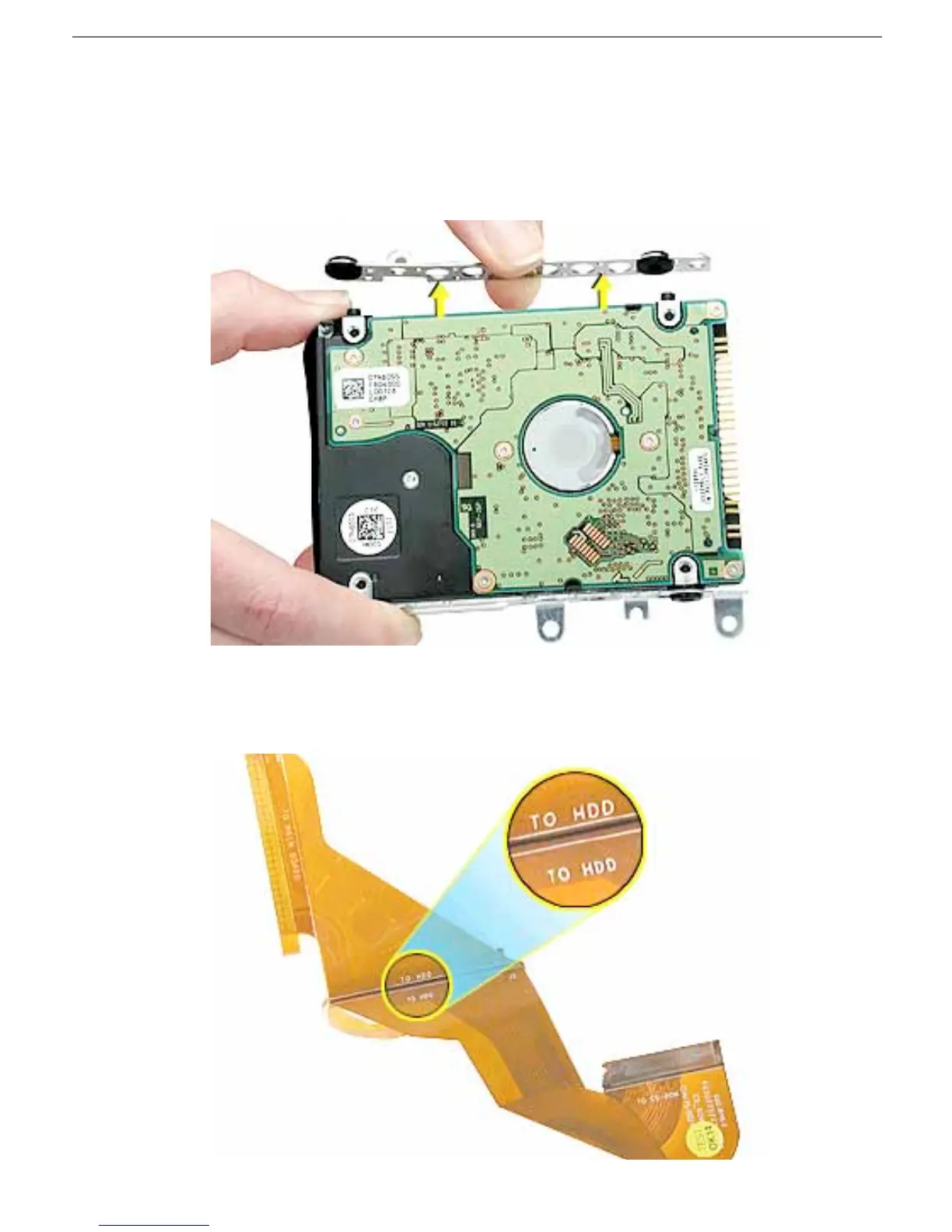
7. Holding the drive by the corners as shown, pull off the side rails (with grommets
attached).
Note: When reassembling the computer, transfer the side brackets (including the
grommets) to the replacement hard drive so the grommets fit over the screw heads.
8. Install the replacement hard drive, and reassemble and test the computer.
Note: Each connector on the flex cable is labeled for reinstallation.



 To Next Page