iBook (14.1 LCD 16 VRAM) Take Apart - 48
Modem
Procedure
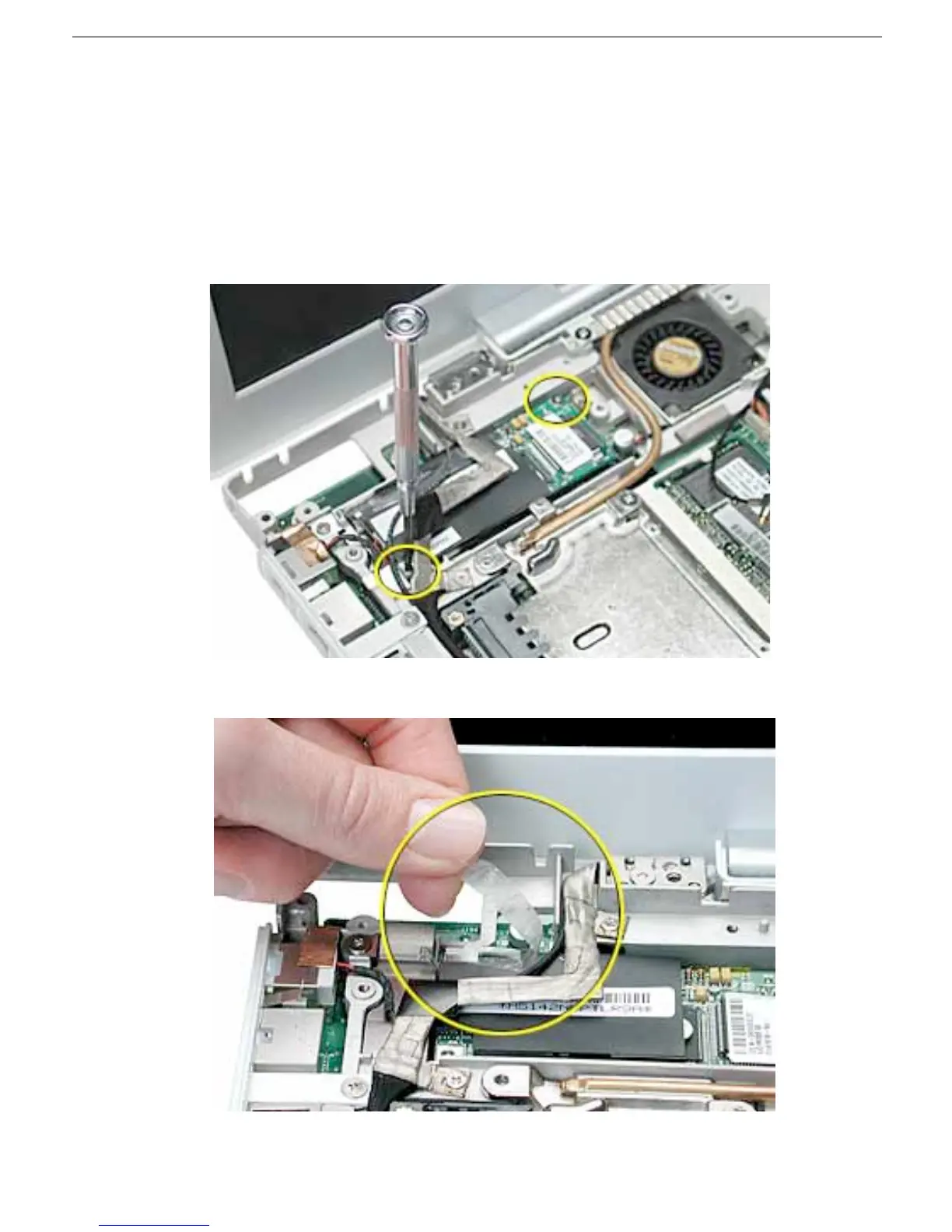
1. With the computer on a soft cloth, remove the two Phillips screws from the modem
board.
2. Warning: When removing the modem, be careful not to strain the LVDS (low
voltage data signal) cable.
Note the routing of the LVDS cable that is taped to the plastic modem sleeve.
3. Without straining the LVDS cable, peel off the clear tape.



 To Next Page