49 - iBook (14.1 LCD 16 VRAM) Take Apart
Modem
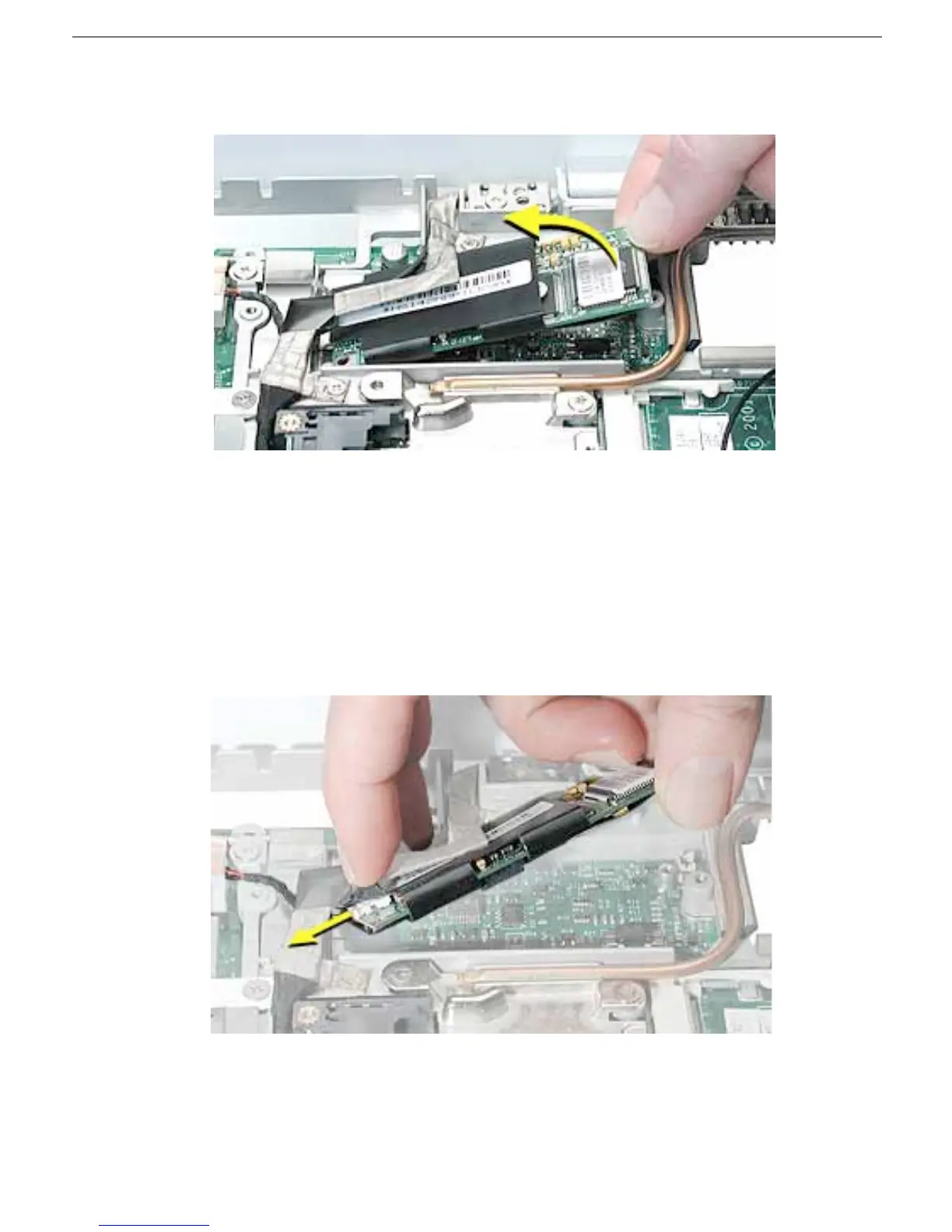
4. Tilt up the end of the modem board to disconnect it from the logic board.
5. Important: Do not strain or remove the LVDS cable.
Gently move the LVDS cable aside, and pivot the modem board to reach the 2-pin
cable connector located under the plastic sleeve.
6. Disconnect the connector from the modem. Slide the modem board out from under
the LVDS cable.
Note: When reassembling the computer, reuse the tape that secures the flat LVDS
cable to the modem sleeve.
7. Install the replacement modem, and reassemble and test the computer.



 To Next Page