iBook (14.1 LCD 16 VRAM) Take Apart - 52
Display Module
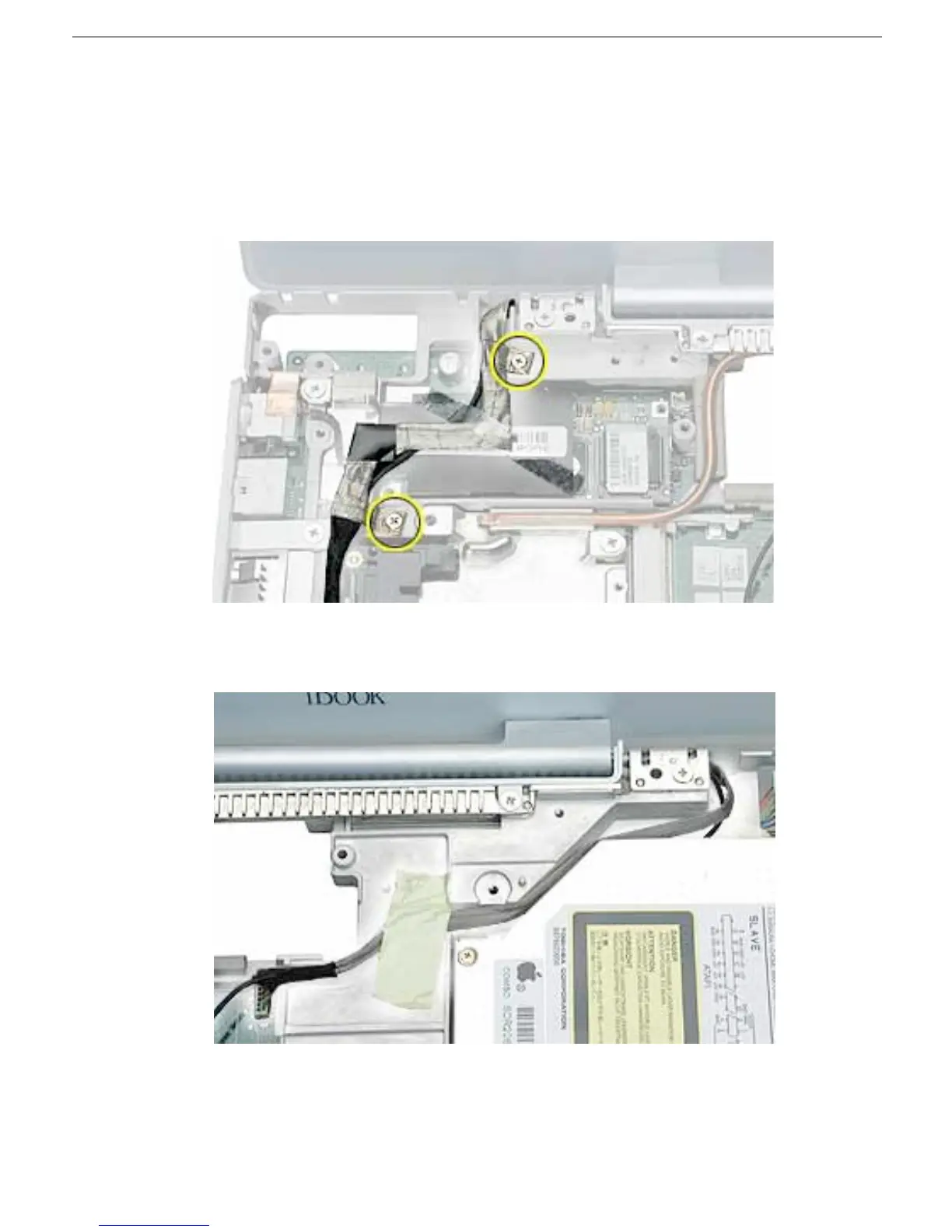
3. Remove the two screws securing the flat section of the LVDS cable.
Warning: Be careful not to strain the LVDS cable.
4. Peel up the clear tape that attaches the LVDS cable to the modem sleeve.
5. Gently guide the LVDS cable and the microphone cable up from the computer chassis.
6. Peel the tape off of the computer frame, and disconnect the flat backlight cable from
the logic board.



 To Next Page