iBook (14.1 LCD 16 VRAM) Take Apart - 56
Optical Drive
Procedure
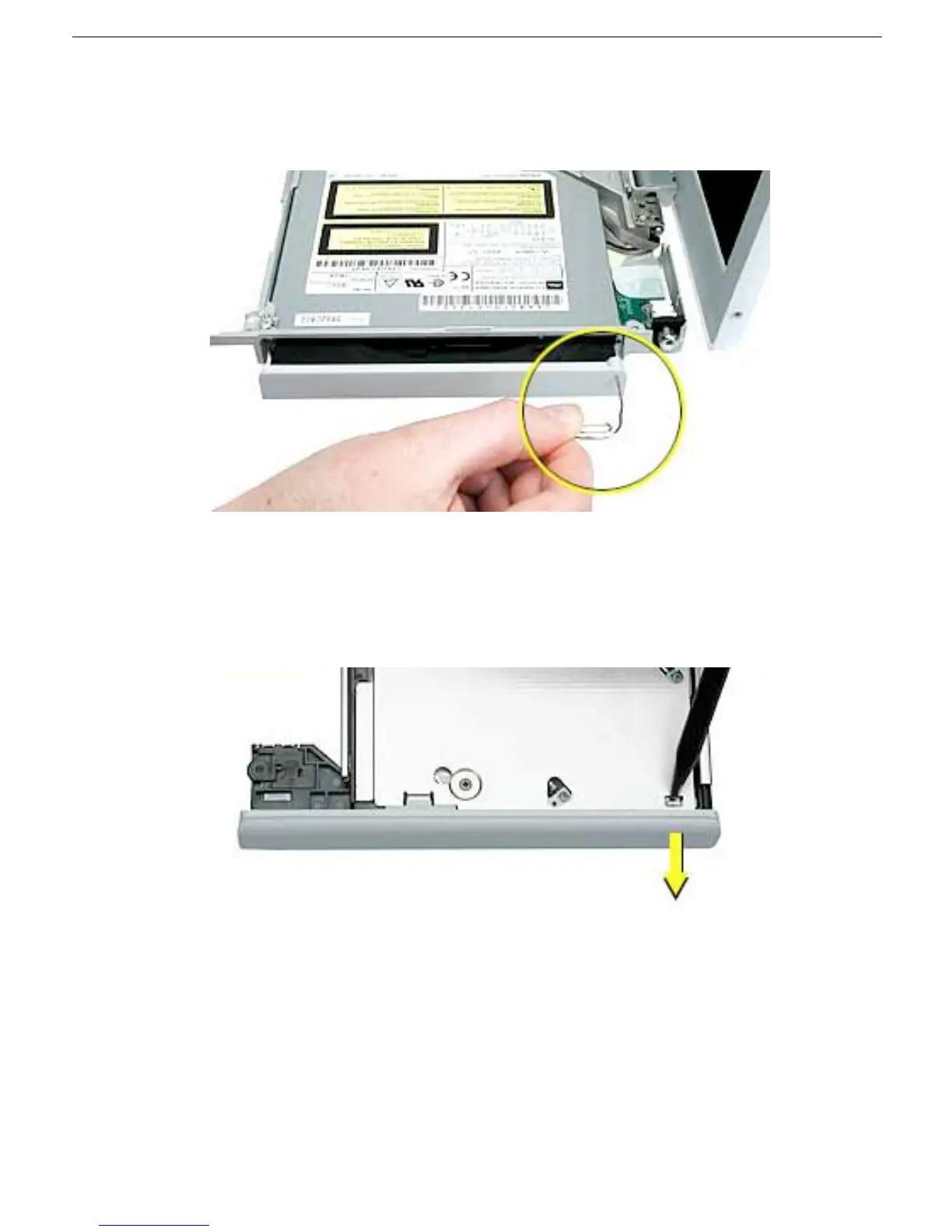
1. Use a straightened paper clip to release the drive tray.
2. With the drive tray open, carefully turn over the computer.
3. On the underside of the drive, notice the tabs near each end of the drive bezel.
4. Using the pointed end of a black stick, press the recessed middle of the smaller tab,
and loosen that end of the bezel.



 To Next Page