57 - iBook (14.1 LCD 16 VRAM) Take Apart
Optical Drive
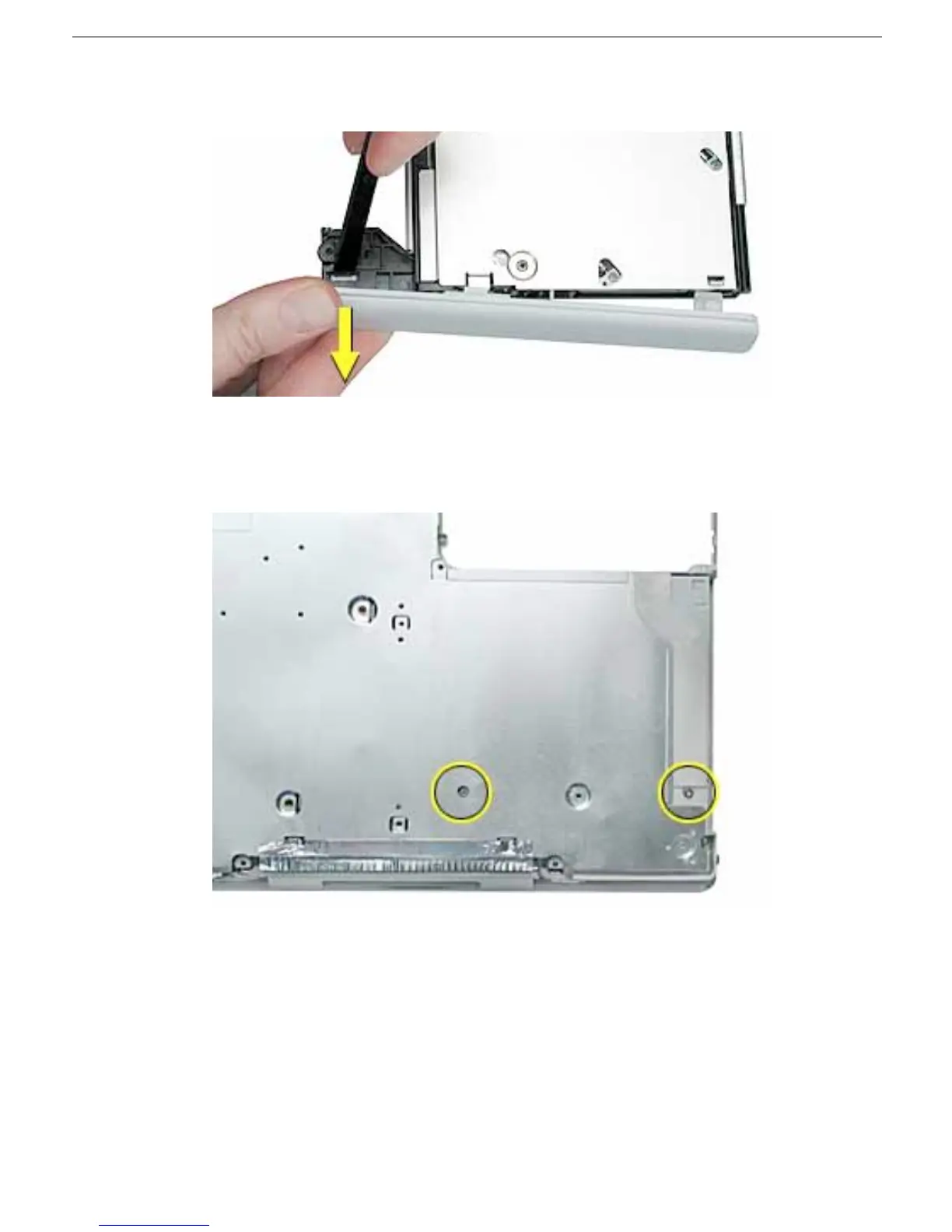
5. Press the wider tab, and pull the bezel off of the drive.
6. With the bezel removed, press the drive tray in until it is completely closed.
7. Tilt up the computer, and support the optical drive as you remove the two screws
beneath the optical drive.



 To Next Page