iBook (14.1 LCD 16 VRAM) Take Apart - 58
Optical Drive
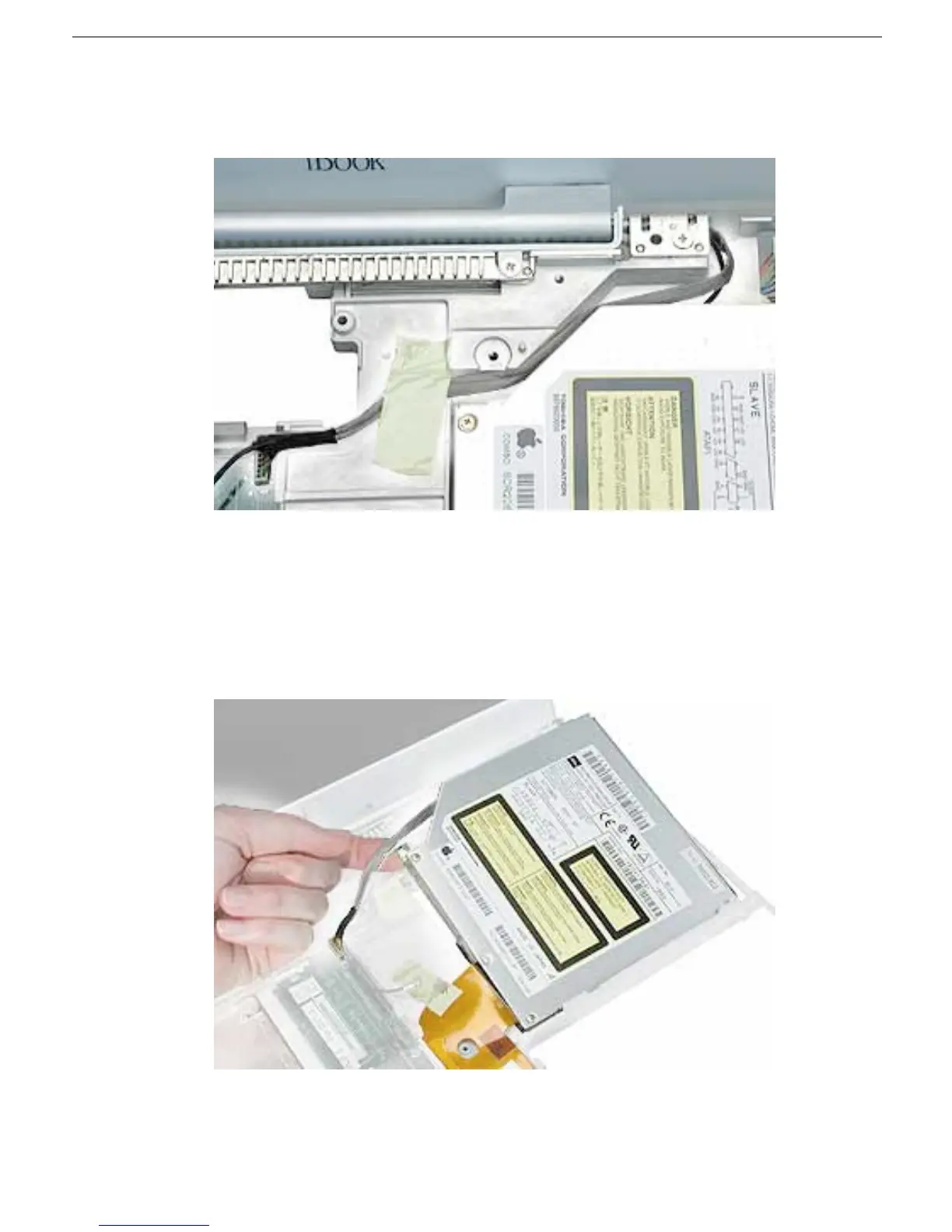
8. Turn the computer upright, and without straining the backlight cable, loosen the tape
that secures the cable to the computer frame.
9. Warning: Handle the optical drive at the sides only. Do not touch or press
anywhere else on the drive.
Tilt up the optical drive so the corner tab clears the backlight cable.
Without straining the optical drive flex cable, remove the tape and tilt the drive up
from the computer frame.



 To Next Page