iBook (14.1 LCD 16 VRAM) Take Apart - 60
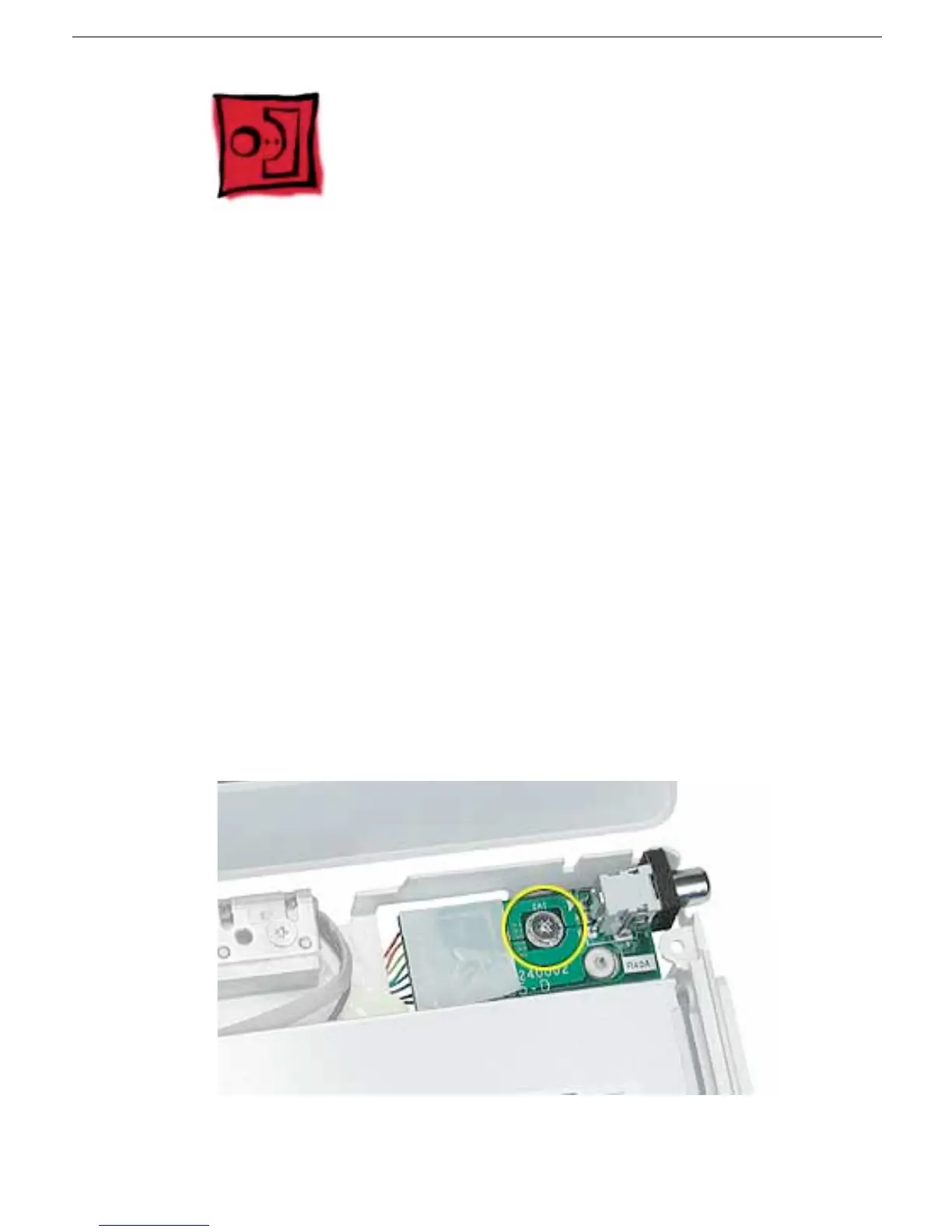
DC Board
DC Board
Tools
• Soft cloth
• #0 Phillips screwdriver
Preliminary Steps
Before you begin, remove the following:
• Battery
• Bottom case
• Bottom shield
• Keyboard and RAM shield
• Airport Card
• Top case
• Top shield
Procedure
1. With the computer on a soft cloth, remove the 6-mm long screw that secures the DC
board to the computer frame.



 To Next Page