63 - iBook (14.1 LCD 16 VRAM) Take Apart
Logic Board
Procedure
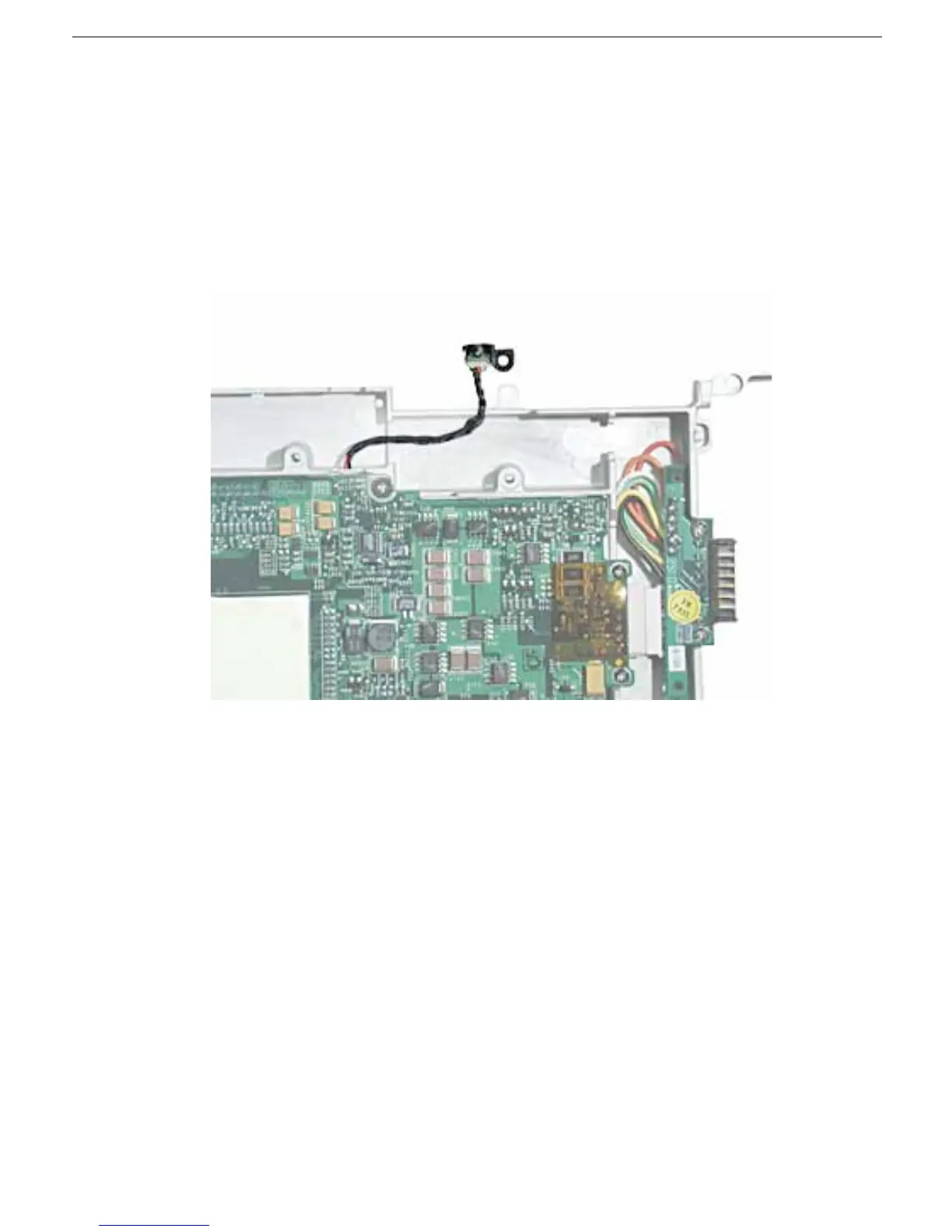
1. With the computer on a soft cloth, note the location of the sleep light board connected
to the logic board and outer frame.
Note: When reassembling the computer, make sure the sleep light board is
positioned as shown and does not get caught between the top and bottom case.
2. Using a black stick, disconnect the sleep light board connector from the logic board.



 To Next Page