iBook (14.1 LCD 16 VRAM) Take Apart - 64
Logic Board
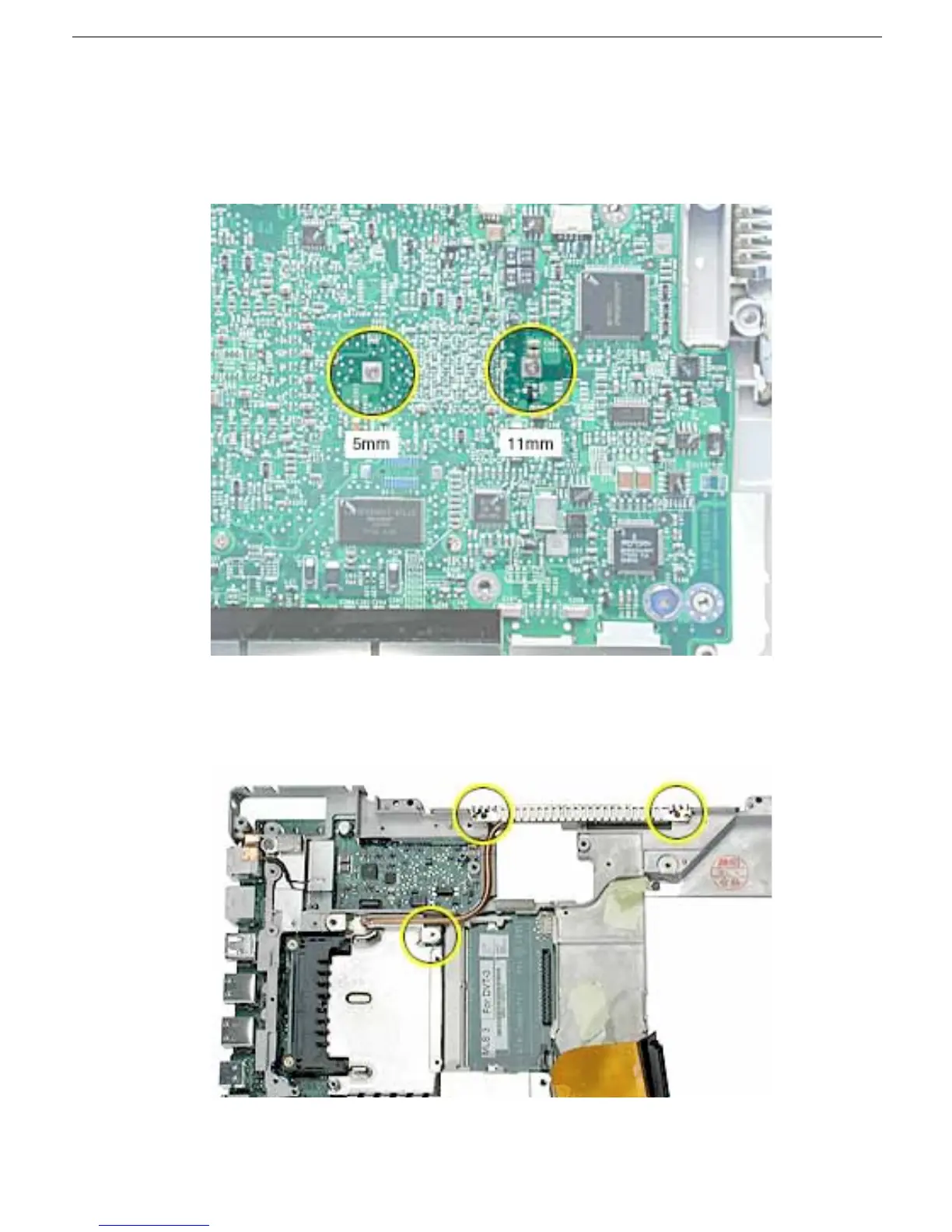
3. Turn over the computer frame and remove the two Phillips screws that secure the logic
board to the heat spreader plate:
• 5-mm long screw (near center of board)
• 11-mm long screw (near edge of board)
4. Remove the two screws holding the vent cover to the heat spreader.
5. Remove the remaining screw at the heat spreader plate.



 To Next Page