7 | P a g e
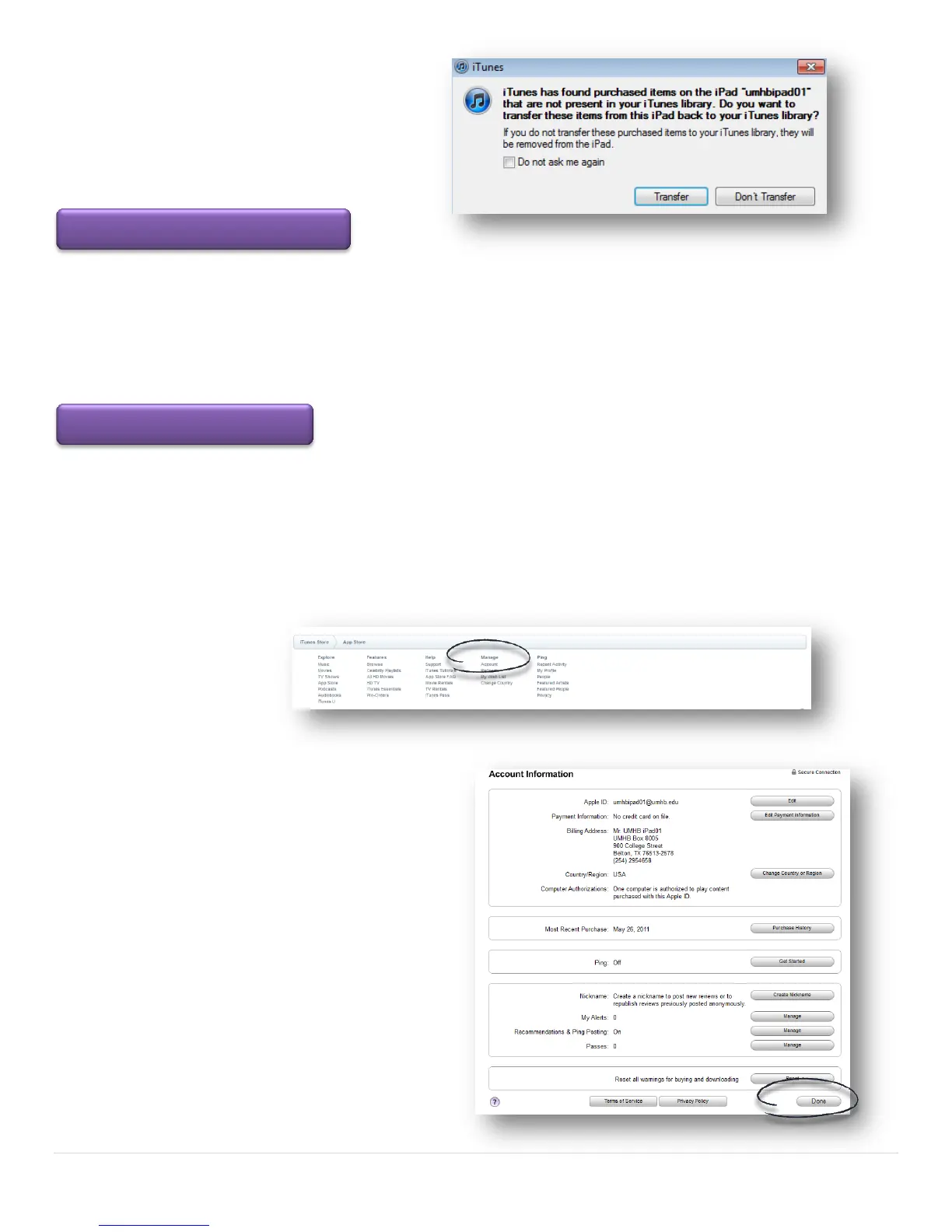
Please note you may be prompted with the
following message if you have an existing
iTunes library that you will need to answer
in order to continue.
Video Mirroring allows you to show any app, web page, presentation, video, movie, or photo in the classroom
through the mounted projector. Attach the VGA adaptor cable to the iPad and the projector cable located on
the classroom instructor station. Press the source button on the projector remote to select image 2. The image
on the iPad is mirrored through the projector including when you rotate the iPad from portrait to landscape or
zoom in and out.
You can change your Apple ID, password by clicking the Manage Account link at any time. The link is located at
the bottom of any iTunes or App Store pages. You may be asked to verify your information the next time you
use your Apple ID to purchase something in another application.
Your new password must be at least eight characters including a number, an uppercase letter, and a lowercase
letter. You cannot use spaces, the same character three times in a row, your Apple ID, or a password you've
used in the last year.
When you are finished entering the new password,
click the Done button to complete the process.
Video Mirroring for the Classroom



 To Previous Page