IPAD GESTURES AND TECHNIQUES
Before you start playing your iPad 2, you’ll want to know the basics of working with iOS and your apps, and
what they can (and can’t) do. In this articles, we’ll walk you how to use iPad 2 through basic gestures, help you
take control of navigating and organizing, and throw in some typing tips.
How to Use iPad 2: Basic of Gestures and Techniques
If you’ve never before owned a multitouch device from Apple, you may be unfamiliar with crazy phrases like
pinch-to-zoom and the difference between the flick and the swipe. Have no fear: While some of these gestures
may have odd names, they’re easy enough to pick up.
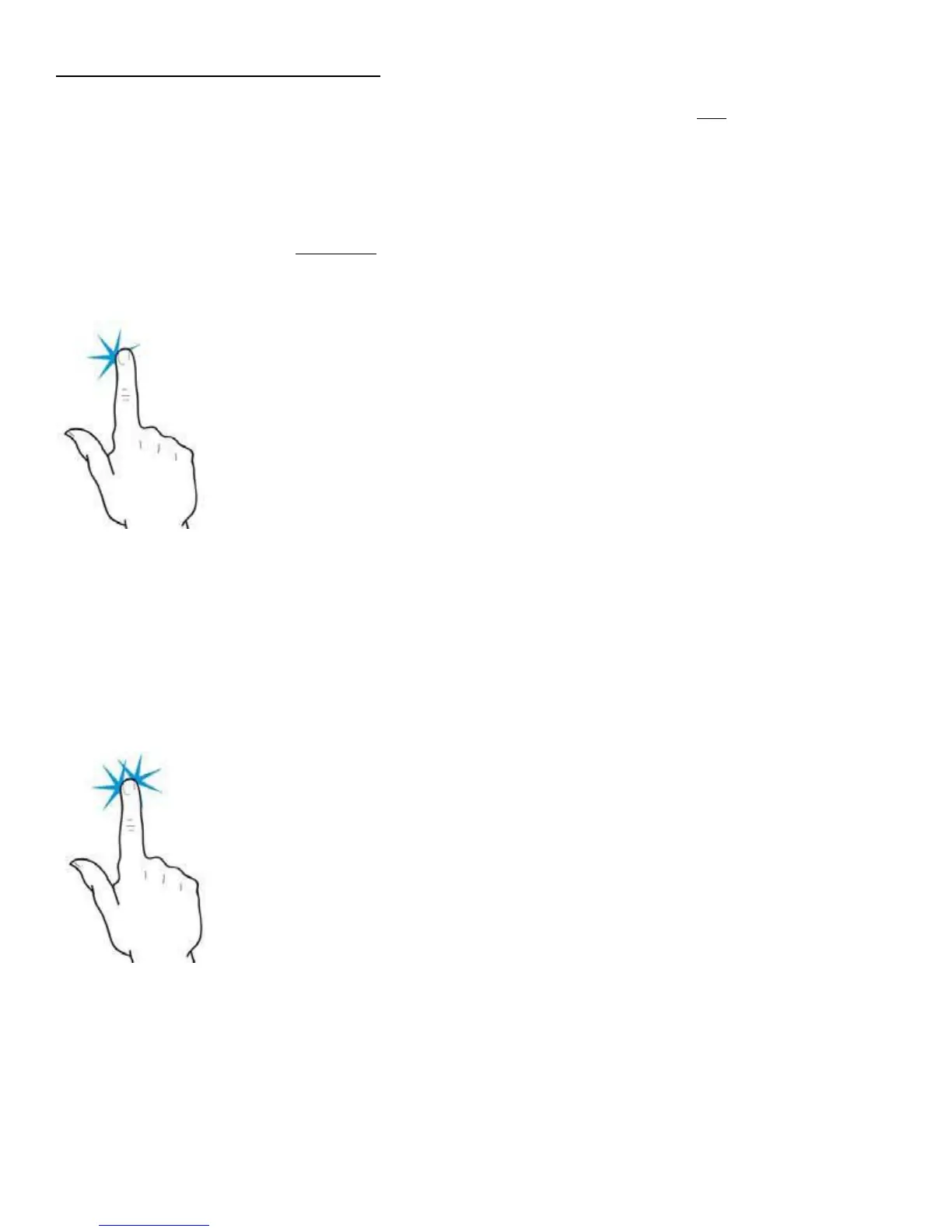
Tap
As clicking is to a desktop computer, so is tapping to an iOS device. Tapping is the most common and basic
gesture on the iPad. You tap to open apps, bring up controls, make choices from menus, and more.
Double-Tap
Tap an object twice in succession to effect a double-tap. Double-taps are primarily used for zooming in or out
on text, but third-party apps also use the double-tap for various purposes.



 To Next Page