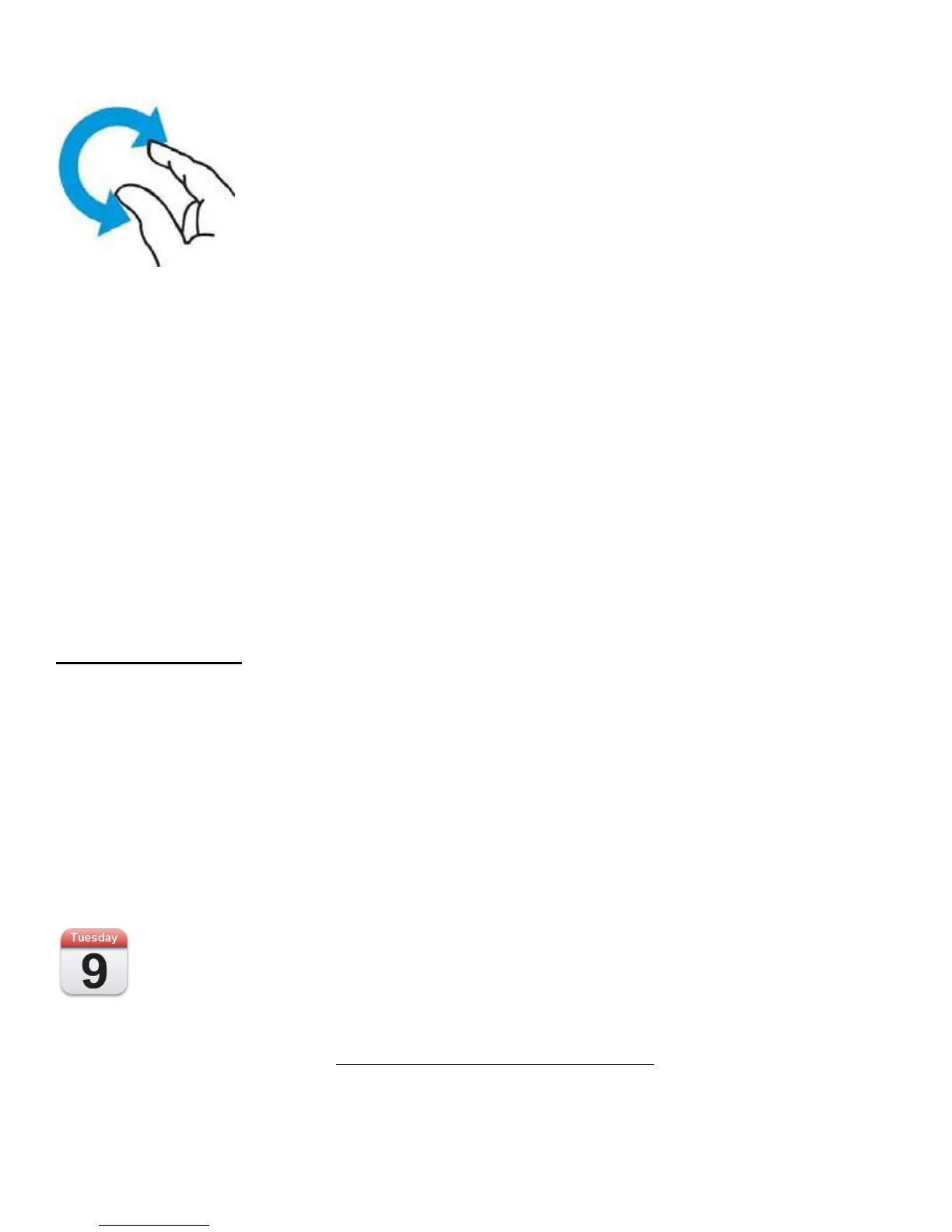
Rotate
You can even rotate some elements with two or more fingers. Just place two fingers on the screen and make a
circular gesture‚ clockwise or counterclockwise.
Inverse Scroll
All flicking and swiping on your iPad is inverse, meaning that when you move your finger down (in other
words, swipe down), you’re actually moving whatever is on the screen upward. This makes perfect sense in the
real world, but when you’re coming from a computer, where scrolling down on a trackpad or mouse actually
scrolls the window down, it can be a bit disorienting at first. Why make this clarification? We refer several
times to “swiping right” to bring up a left-side navigational bar‚ which can be confusing if you don’t know
about inverse gestures.
The Pre-Installed Apps
The iPad has a total of seventeen applications that are pre-installed on the operating system, so when you first
turn on your iPad these apps will be waiting to greet you and each will form part of your regular use. For the
sake of this feature we would like to briefly introduce you to each application and provide you with a quick
reference guide for each, before examining their functionality and use further in this publication.
New choice hardware and unlock the power that awaits beneath your fingertips.
iPad Getting Started – Pre-Installed Apps
The Calendar
Plan your daily routine with this application, with the ability to sync/with Mac OS and Windows
calendars, set alert reminders of important events and an adjustable focus between Day, Week and Month those
seeking to organise their life would be lost without with this. For a detailed tutorial on the use and the
functionality of the Calendar app see Using Calendar App | iPad Getting Started.



 To Next Page