Add a song to your library. Tap .
See lyrics. Tap Show next to Lyrics; tap Hide to hide them. If iPad is in landscape
orientation, swipe up to see Lyrics, then tap Show.
Access additional options. Tap .
See whatʼs up next. Swipe up. Tap a song to play it and the songs that follow. Drag
to reorder the list.
Get audio controls from the Lock screen or when using another app. Swipe up from
the bottom edge of the screen to open Control Center, then swipe left. See
.
Stream music to a Bluetooth or AirPlay-enabled device. Tap in Now Playing, then
choose a device. See and .
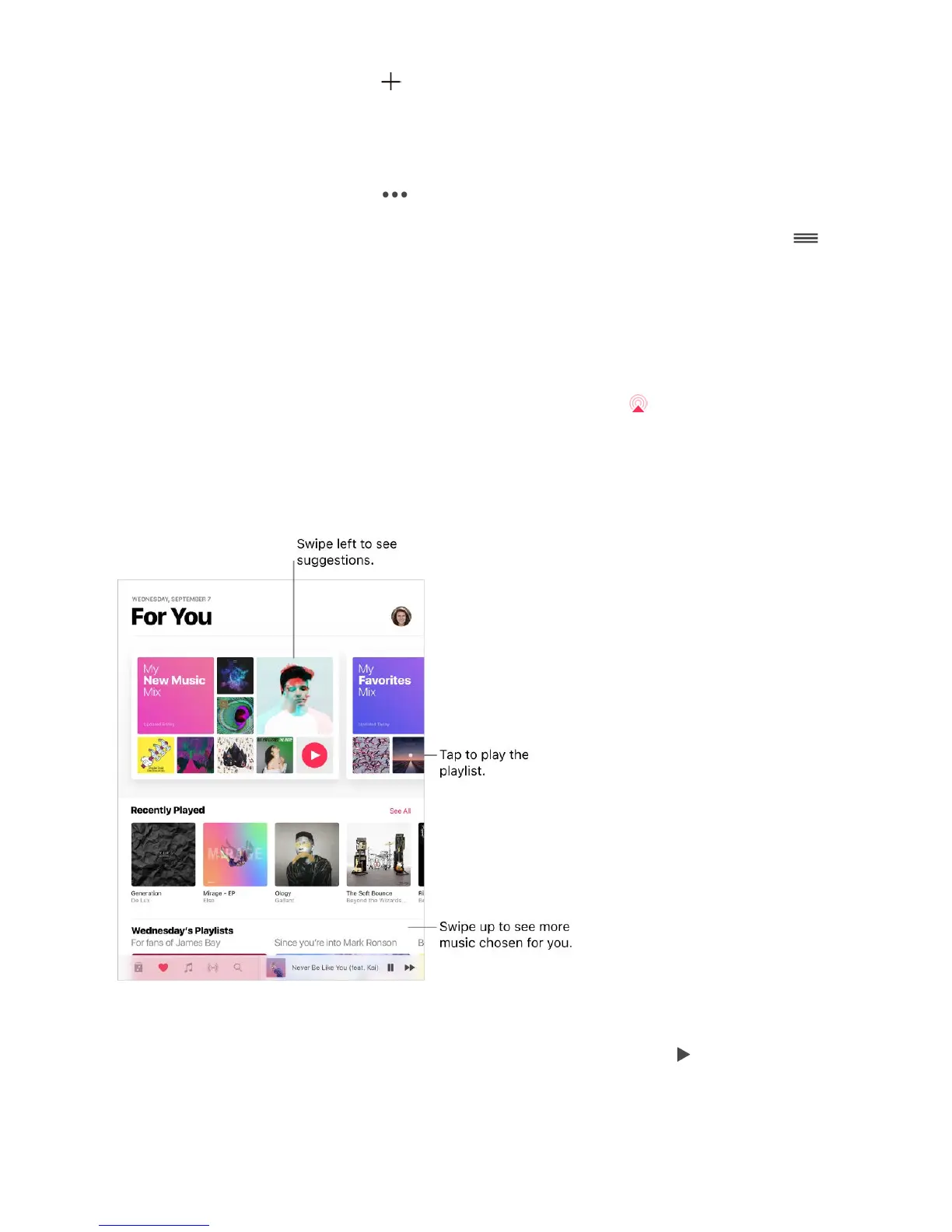
For You
In For You, discover playlists from Apple Music experts and albums based on your tastes.
Play music. Tap For You, touch and hold a playlist or album, then tap . Tap an album or
a playlistʼs album art to view its contents.
Control
Center
Bluetooth devices AirPlay Mirroring



 To Next Page