Browse
Get recommendations for great music, music videos, playlists, and more—all tailored for
your tastes.
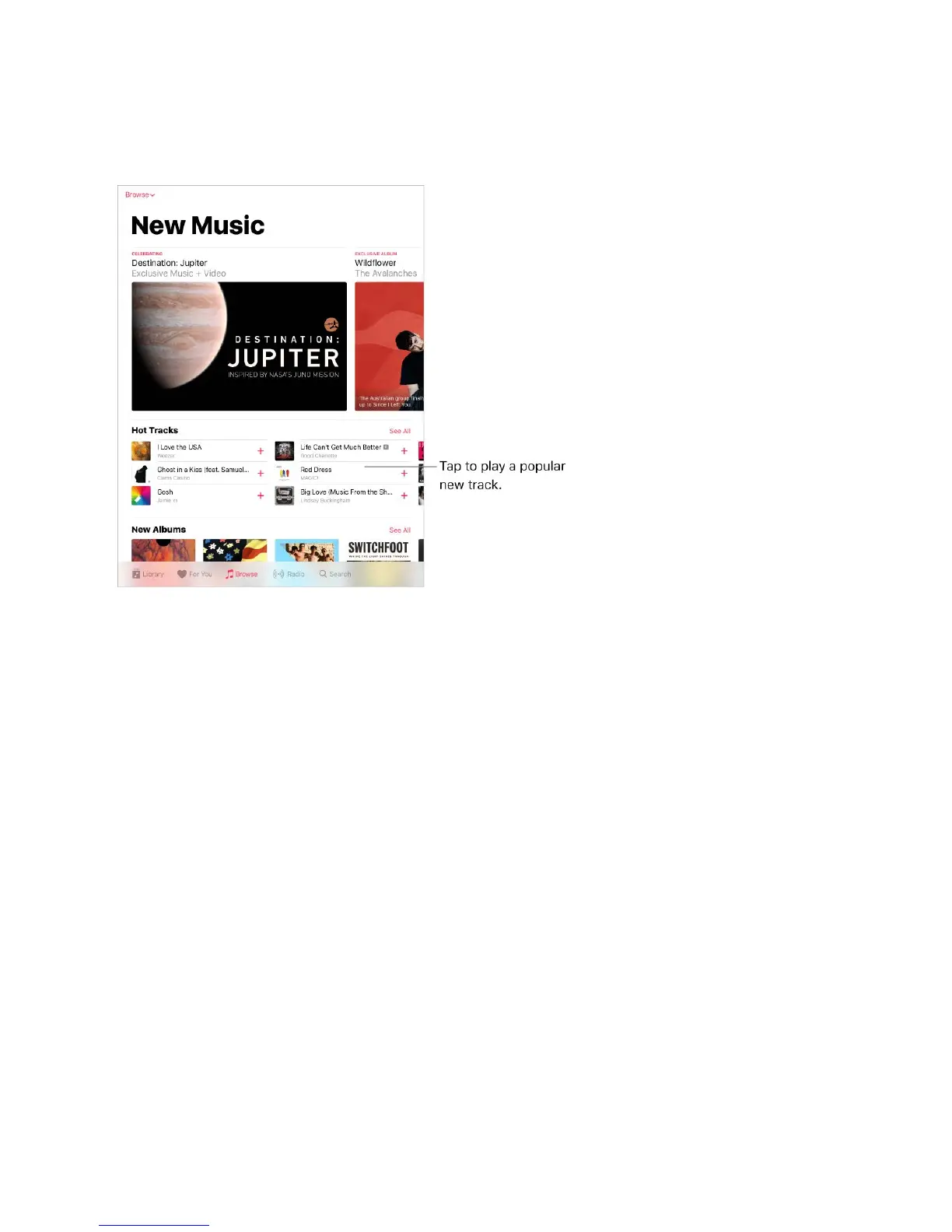
Explore new music. Tap the Browse tab, tap the Browse menu, then tap New Music.
Browse playlists created by music experts. Tap the Browse menu, tap Curated
Playlists, then choose a playlist, activity or mood, curator, or genre.
View music videos. Tap Music Videos, then tap a video to play it.
See whatʼs trending. Tap the Browse menu, tap Top Charts, then choose a song, album,
or music video.
Browse your favorite genres. Tap the Browse menu, tap Genres, choose a genre, then
tap a featured album, song, artist, playlist, or music video to enjoy music handpicked by
music experts.
Radio
Radio is the home of Beats 1, which features world-class radio shows, the latest music,
and exclusive interviews. You can also listen to featured stations that have been crafted
by music experts. And you can create custom stations from songs or artists you choose.



 To Next Page