Cellular data also requires a wireless data plan. See .
Important: A SIM card or an Apple SIM is required to use cellular services when
connecting to GSM networks and some CDMA networks. Your iPad is subject to your
wireless service providerʼs policies, which may include restrictions on switching service
providers and roaming, even after conclusion of any required minimum service contract.
Contact your wireless service provider for more details. Availability of cellular capabilities
depends on the wireless network.
For more information, see the Apple Support article
.
Accessories included with iPad
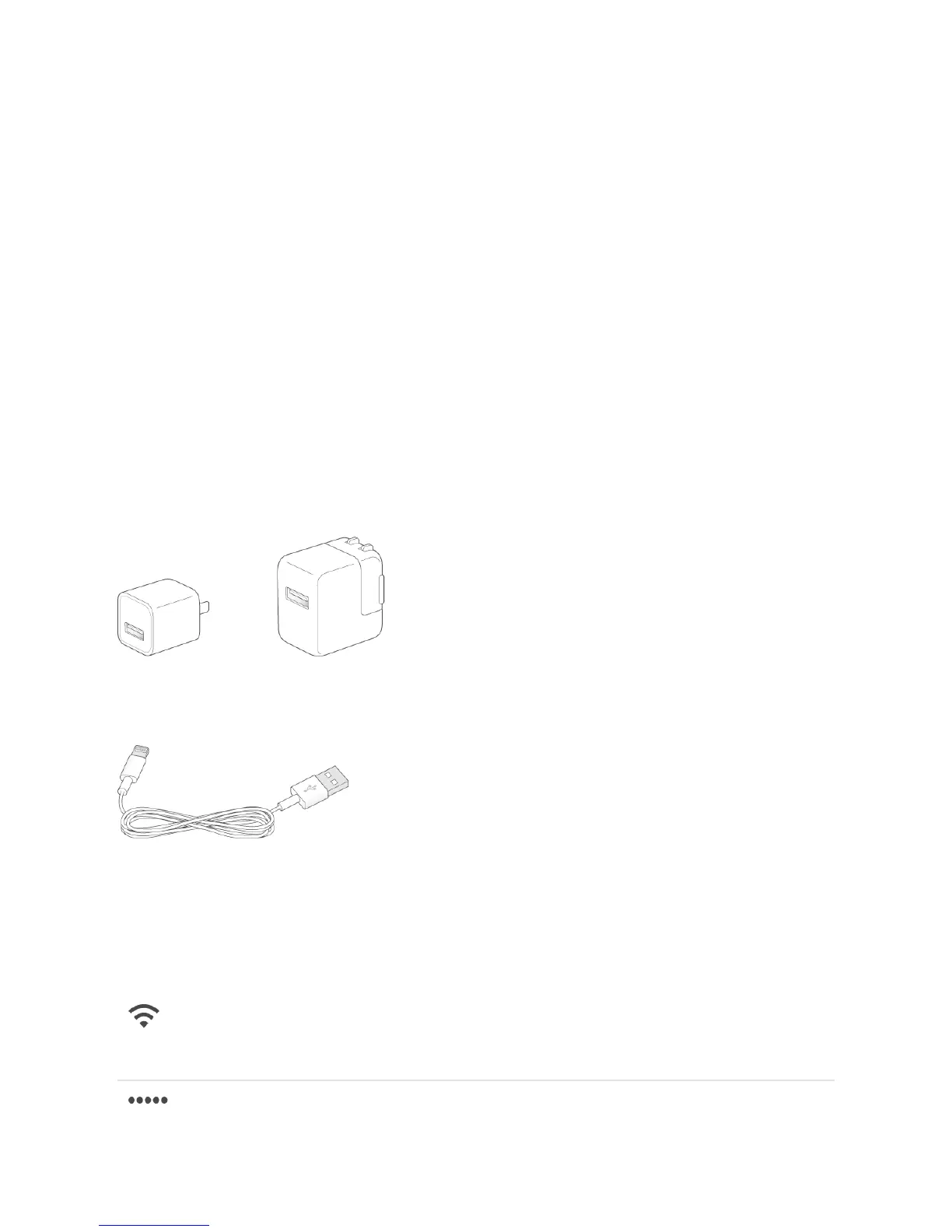
The following accessories are included with iPad:
USB power adapter. Use with the Lightning to USB Cable to charge the iPad battery.
The size of your adapter depends on the iPad model and your region.
Lightning to USB Cable. Use this to connect iPad to the USB power adapter or to your
computer.
Status icons
The icons in the status bar at the top of the screen give information about iPad:
Status icon What it means
Wi-Fi iPad has a Wi-Fi Internet connection. The more
bars, the stronger the connection. See
.
Cell signal
Sign up for cellular service
Learn which SIM card your iPad
uses
Connect
to Wi-Fi



 To Next Page