iPad (Wi-Fi + Cellular models) is in range of the
cellular network. If thereʼs no signal, “No
service” appears.
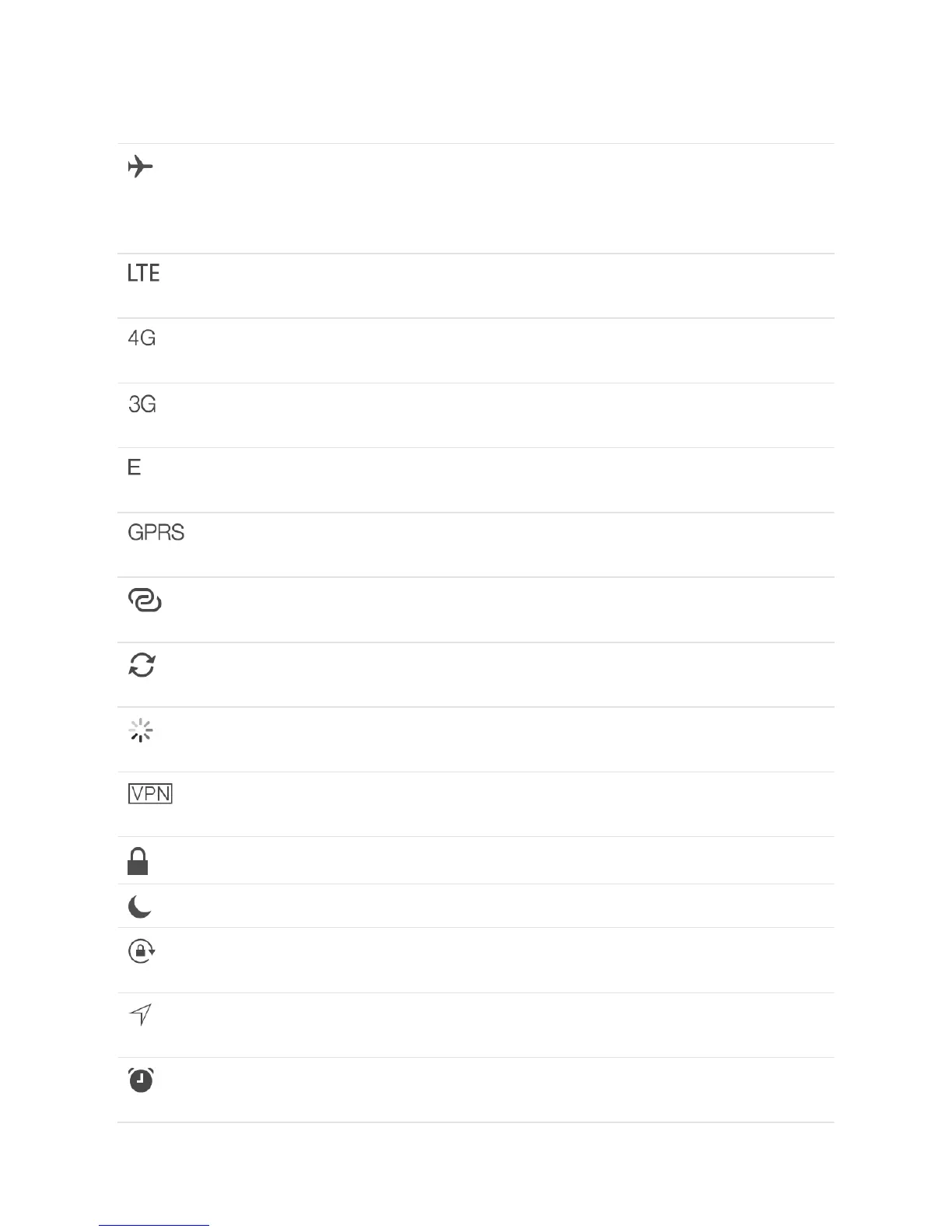
Airplane Mode Airplane Mode is on—you canʼt access the
Internet, or use Bluetooth® devices. Non-
wireless features are available. See
.
LTE iPad (Wi-Fi + Cellular model) is connected to the
Internet over a 4G LTE network.
4G iPad (Wi-Fi + Cellular model) is connected to the
Internet over a 4G network.
3G iPad (Wi-Fi + Cellular model) is connected to the
Internet over a 3G network.
EDGE iPad (Wi-Fi + Cellular model) is connected to the
Internet over an EDGE network.
GPRS iPad (Wi-Fi + Cellular model) is connected to the
Internet over a GPRS network.
Personal Hotspot iPad is providing a Personal Hotspot for other
iOS devices. See .
Syncing iPad is syncing with iTunes. See
.
Activity There is network or other activity. Some third-
party apps use this icon to show app activity.
VPN iPad is connected to a network using VPN. See
.
Lock iPad is locked. See .
Do Not Disturb Do Not Disturb is turned on. See .
Orientation lock Screen orientation is locked. See
.
Location Services An app is using Location Services. See
.
Alarm An alarm is set. See
.
Travel with
iPad
Personal Hotspot
Sync with
iTunes
VPN settings
Lock screen
Do Not Disturb
Change the
screen orientation
Location
Services
Set an alarm or bedtime
schedule



 To Next Page