Bluetooth Blue or White icon: Bluetooth is on and paired
with a device, such as a headset or keyboard.
Gray icon: Bluetooth is on and paired with a
device, but the device is out of range or turned
off.
See .
Headphones connected iPad is paired with Bluetooth headphones that
are turned on and within Bluetooth range. See
.
Bluetooth battery Shows the battery level of a supported paired
Bluetooth device.
Battery Shows the battery level or charging status. See
.
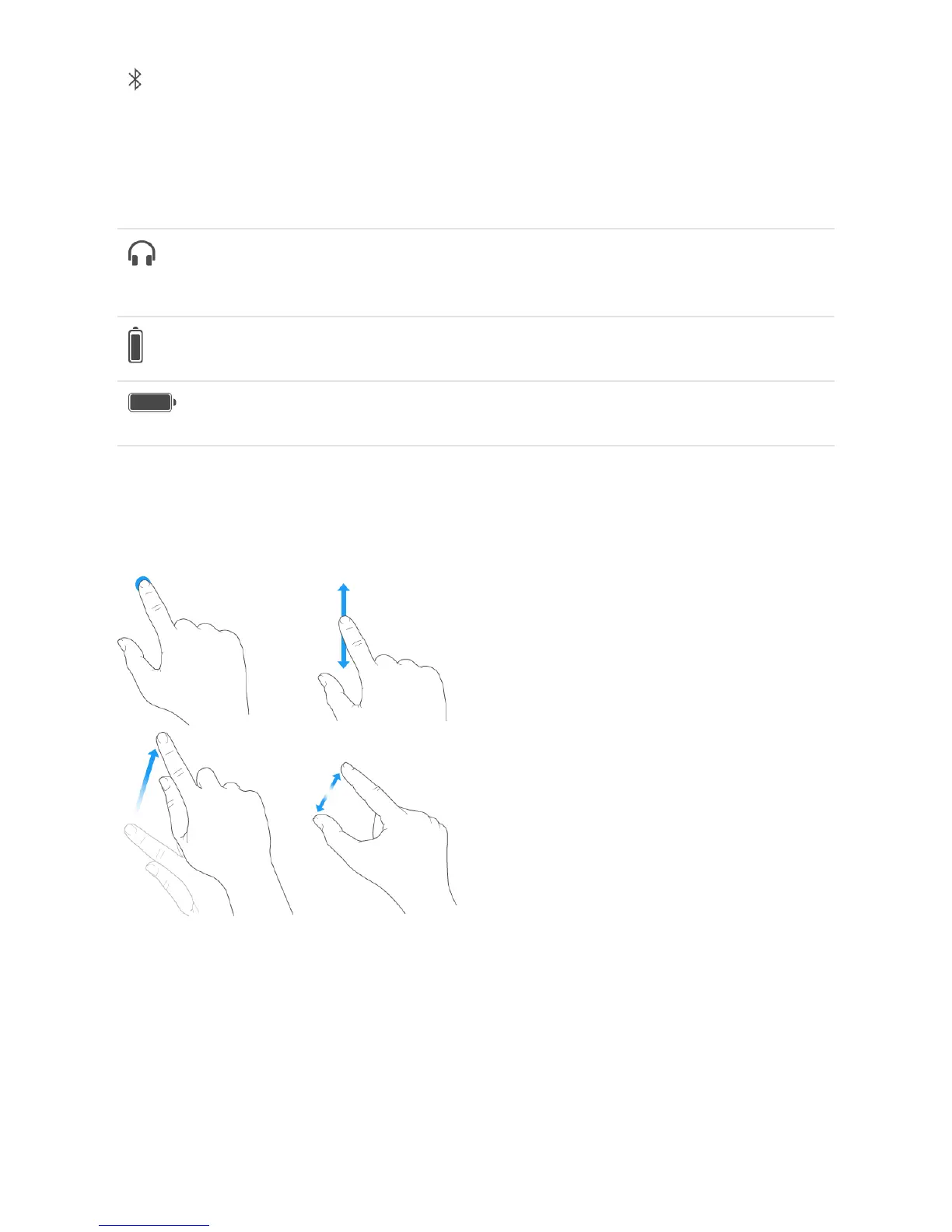
Gestures
Use a few simple gestures—tap, drag, swipe, and pinch—to control iPad and its apps.
You can also use additional gestures when editing text or navigating between apps and
the Home screen. See and .
Bluetooth devices
Bluetooth devices
Charge and monitor the battery
Type and edit text Gestures



 To Next Page