Use apps
Switch between apps
You can easily switch between the apps youʼre using.
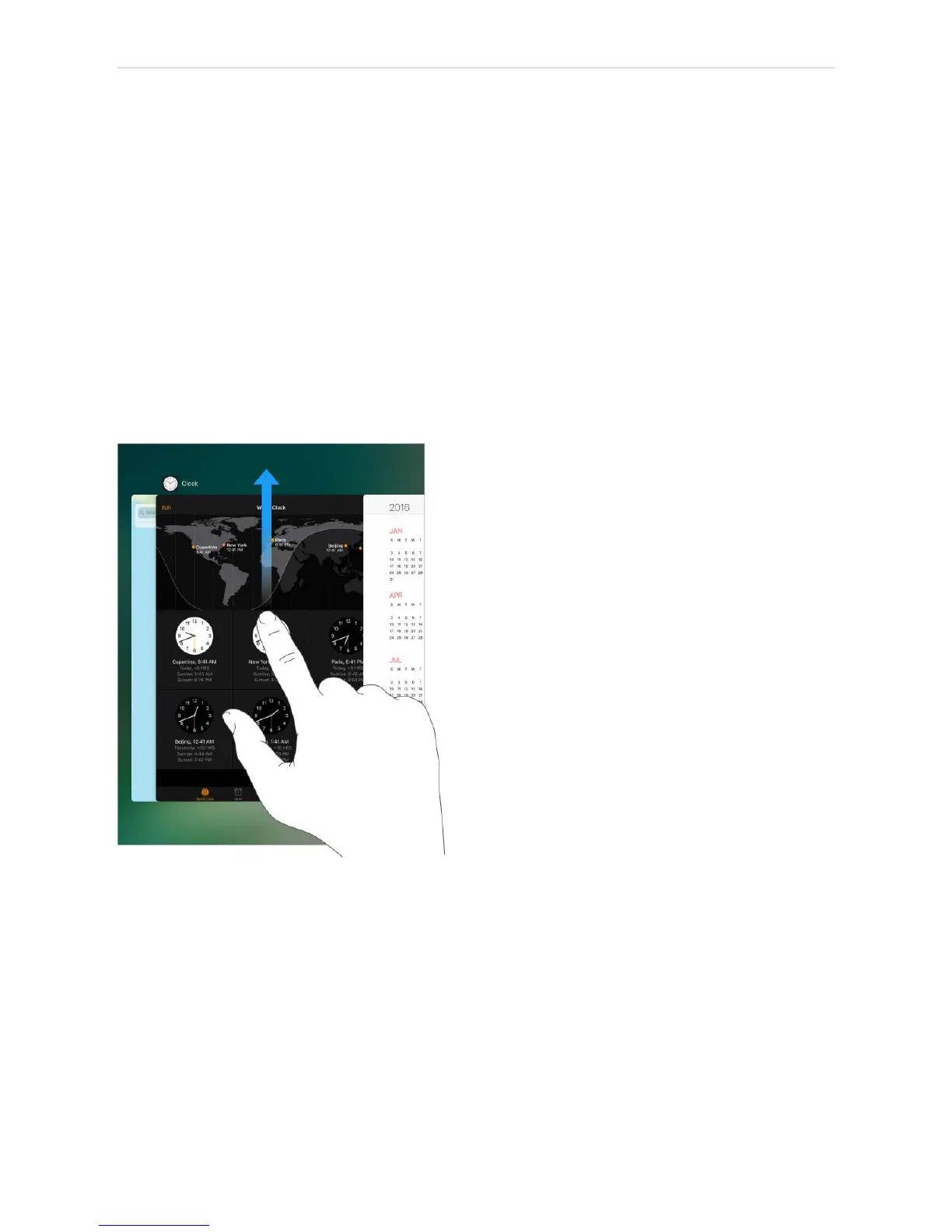
View open apps. Double-click the Home button to reveal your open apps in the app
switcher. Swipe sideways to see more. To switch to another app, tap it.
Close an app. If an app isnʼt working properly, you can force it to quit. Swipe the app up
from the app switcher display, then try opening the app again.
Search for apps. If you have lots of apps, you can use Search to find and open them.
Swipe the center of the Home screen down to see the search field. See .
Look around
Drag a list up or down to see more. Swipe to scroll quickly; touch the screen to stop
scrolling. Some lists have an index—tap a letter to jump ahead.



 To Next Page