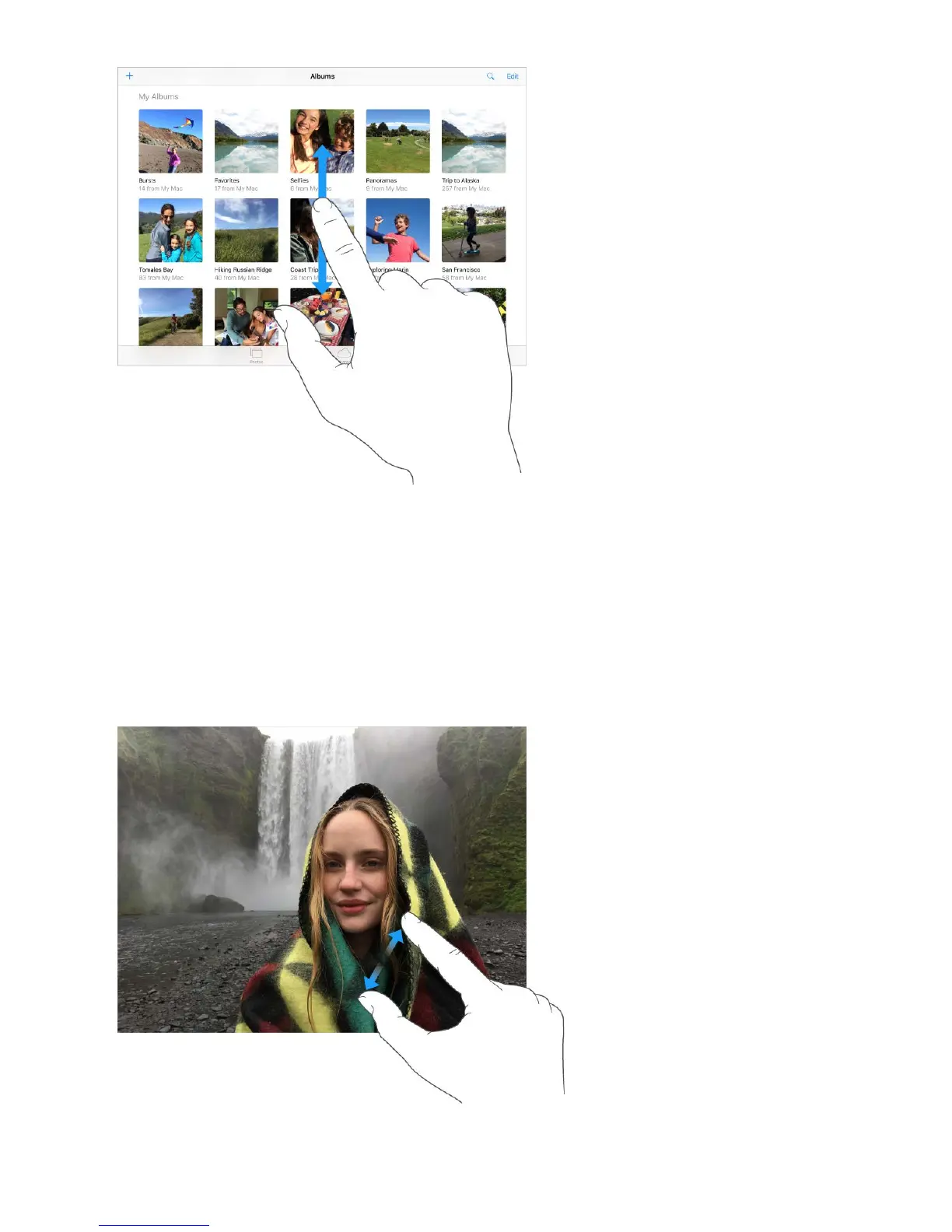
Drag a photo, map, or webpage in any direction to see more.
To quickly jump to the top of a page, tap the status bar at the top of the screen.
Zoom in or out
Pinch open on a photo, webpage, or map for a close-up—then pinch closed to zoom
back out. In Photos, keep pinching to see the collection or album the photoʼs in.



 To Next Page