Silence all your notifications. Go to Settings > Do Not Disturb. You can also use Siri to
turn Do Not Disturb on or off. Say “Turn on Do Not Disturb” or “Turn off Do Not Disturb.”
Close Notification Center. Swipe up, or press the Home button.
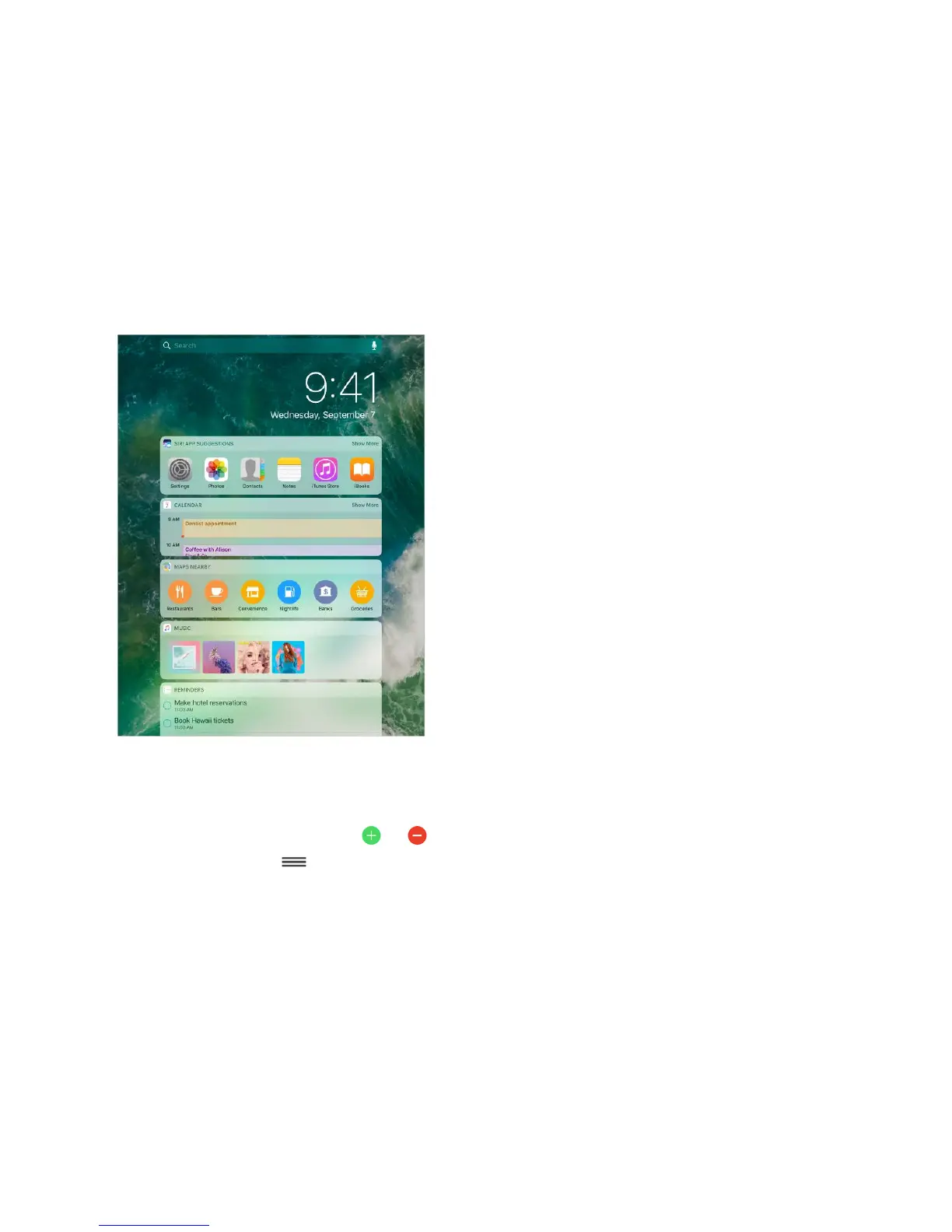
Today View
Get information from your favorite apps, at a glance. Choose from Maps Nearby,
Calendar, Notes, News, Reminders, and more.
Open Today View. Swipe right from the left edge of the Home screen or Lock screen.
Add and organize Today View widgets. To choose which widgets appear, tap Edit at
the bottom of the screen. Tap or to add or remove widgets. To arrange the order of
your widgets, touch , then drag to a new position.
Choose whether to allow access to Today View when iPad is locked. Go to Settings >
Touch ID & Passcode (iPad Pro, iPad 5th generation, iPad Air 2, iPad mini 3 and later) or
Settings > Passcode (other models).



 To Next Page