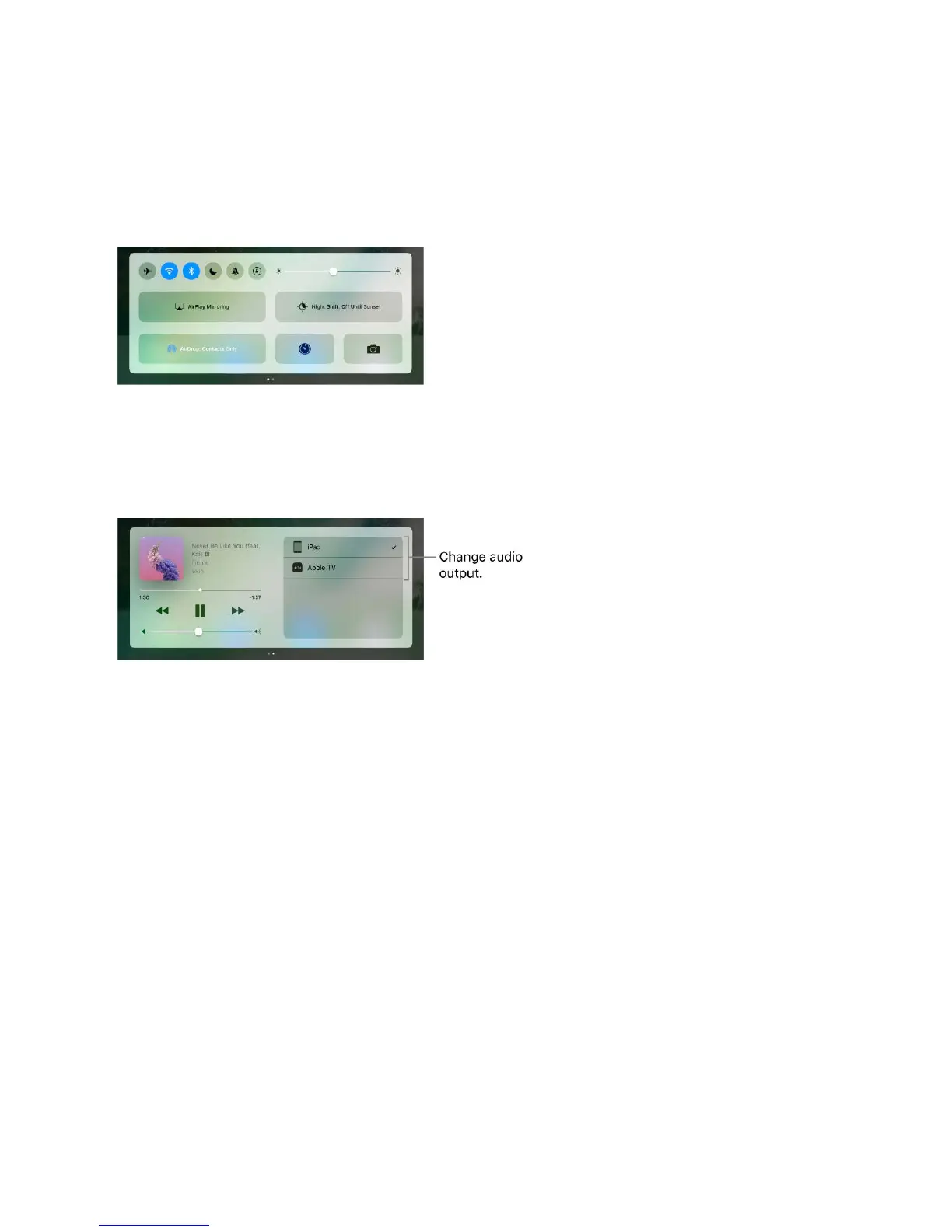
Control Center
Control Center gives you instant access to the camera, AirPlay Mirroring, control and
playback of currently playing audio and video, and other handy features. You can also
adjust the brightness, lock the screen in portrait orientation, turn wireless services on or
off, and turn on AirDrop.
Open Control Center. Swipe up from the bottom edge of any screen (even the Lock
screen).
Control audio. Swipe Control Center left to quickly reach audio controls.
If you set up your iPad with speakers, headphones, or another device, tap the device to
switch the output. For information about setting up iPad with devices using Bluetooth,
see .
Open the currently playing audio app. Tap the song title.
Control home accessories. Swipe Control Center left to reach accessory controls (if
youʼve ).
Close Control Center. Swipe down, tap the top of the screen, or press the Home button.
Turn off access to Control Center in apps or on the Lock screen. Go to Settings >
Control Center.
Search
You can search iPad, the Internet, and apps for useful information, including:
Bluetooth devices
set up accessories in the Home app



 To Next Page