Restore an app you removed. Go to the App Store, search for the app, then tap .
Organize with folders
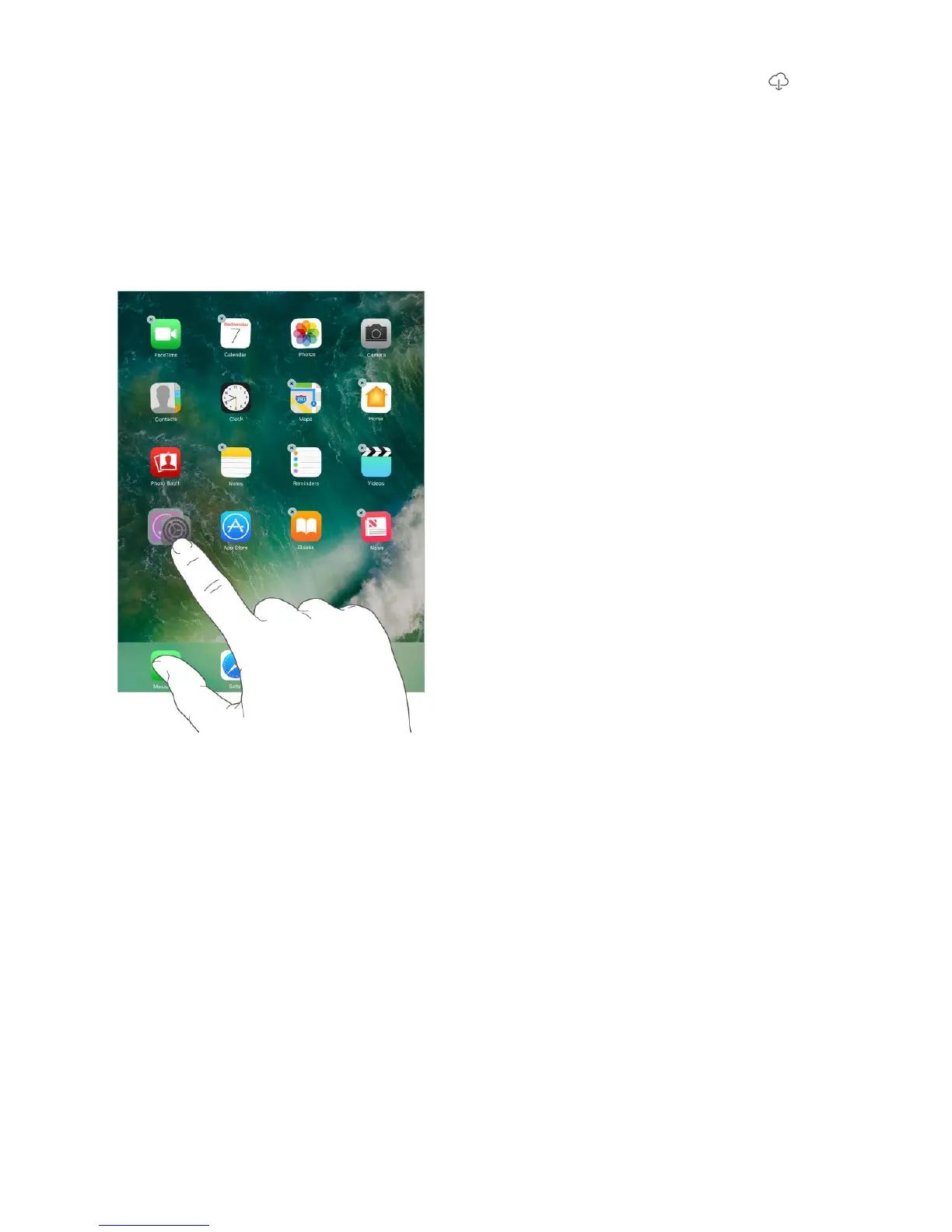
Create a folder. While arranging apps, drag one app onto another. Tap the name of the
folder to rename it. Drag apps into or out of the folder. Press the Home button when you
finish.
You can have multiple pages of apps in a folder.
Delete a folder. Drag out all the apps—the folder is deleted automatically.
Change the wallpaper
Wallpaper settings let you set an image or photo as wallpaper for the Lock screen or
Home screen. You can choose from dynamic and still images.
Change the wallpaper. Go to Settings > Wallpaper > Choose a New Wallpaper.
Tip: If you choose your own image as wallpaper, you can pinch open to zoom in on
your selected image, then drag your finger to move the image. Pinch closed to zoom
back out.



 To Next Page