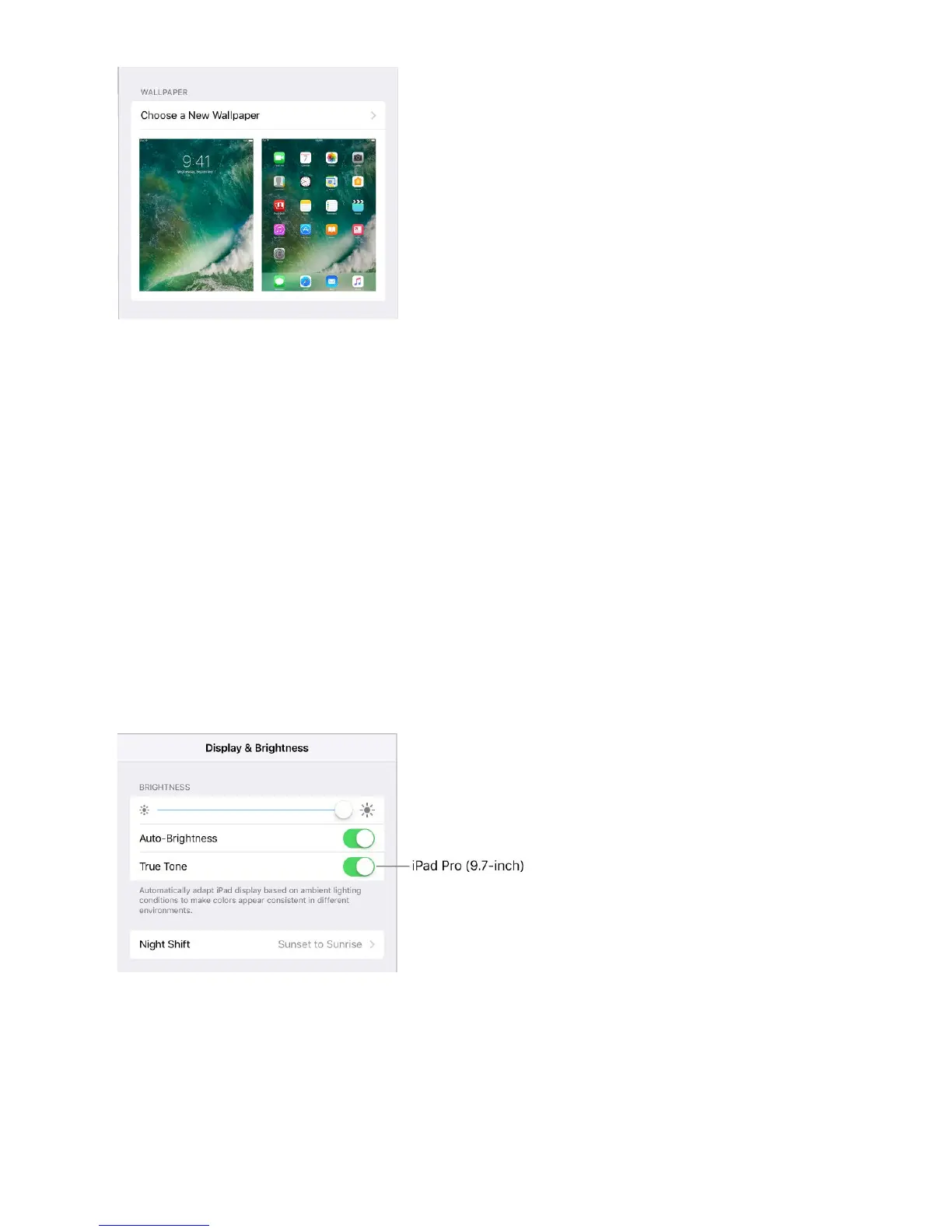
When choosing an image for new wallpaper, you may be able to tap Perspective Zoom to
make your wallpaper move when you change the angle you view the screen. To turn on
the Perspective Zoom option for wallpaper youʼve already set, go to Settings >
Wallpaper, then tap the image of the Lock screen or Home screen.
Note: Perspective Zoom doesnʼt work if Reduce Motion (in Accessibility settings) is
turned on. See .
Adjust the screen brightness and color balance
Dim the screen or use Auto-Brightness to extend battery life. Use Night Shift to shift the
colors in your display to the warmer end of the spectrum at night and make viewing the
screen easier on your eyes. Turn on True Tone, and iPad automatically adapts the color
and intensity of the display to match the light in your environment.
Adjust the screen brightness. Go to Settings > Display & Brightness, then drag the
slider. If Auto-Brightness is on, iPad adjusts the screen brightness for current light
conditions using the built-in ambient light sensor. You can also adjust the brightness in
Control Center.
Reduce motion



 To Next Page