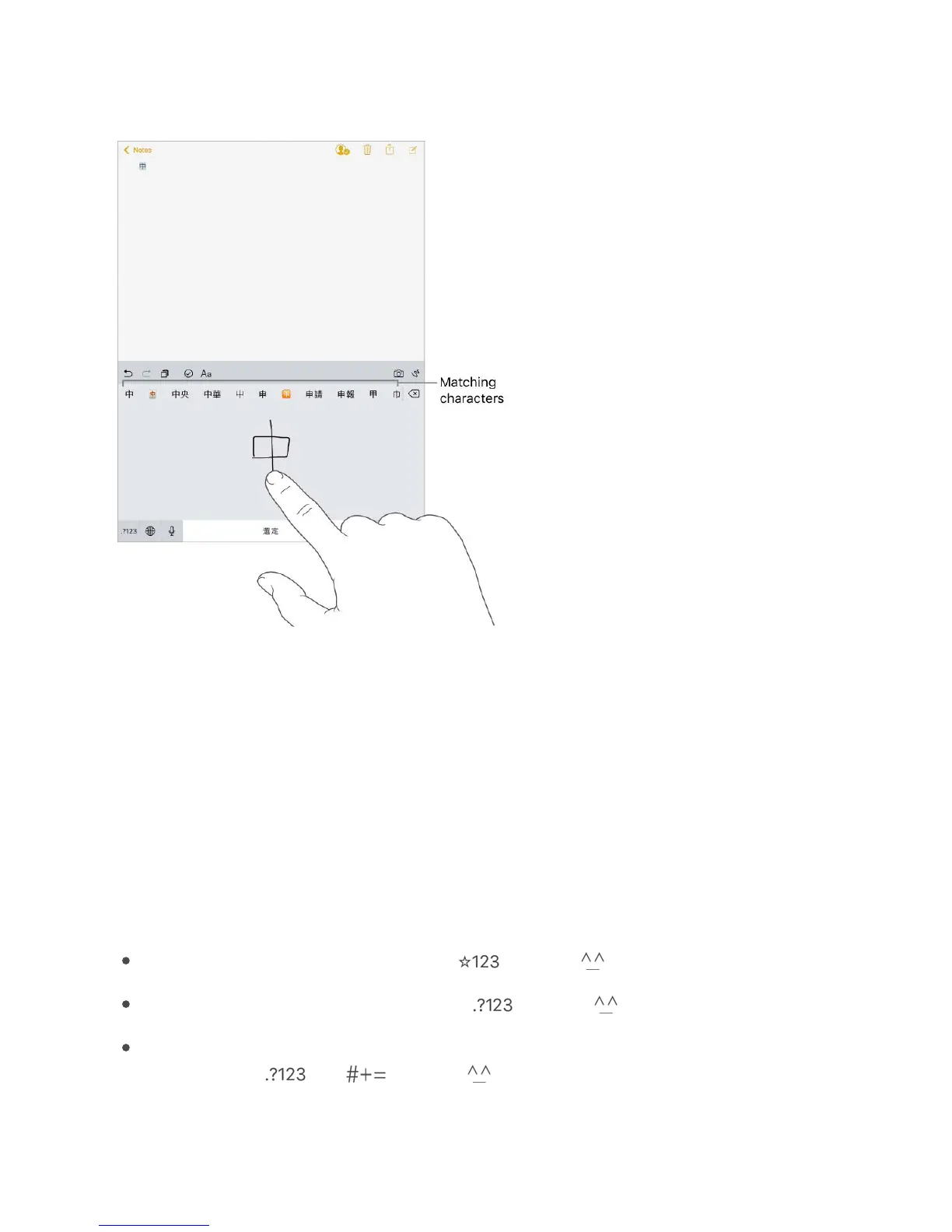
the closest match at the top. When you choose a character, its likely follow-on
characters appear in the list as additional choices.
You can type some complex characters, such as 潚 (part of the name for the Hong Kong
International Airport), by writing two or more component characters in sequence. Tap the
character to replace the characters you typed. Roman characters are also recognized.
Type Japanese kana. Use the Kana keypad to select syllables. For more syllable
options, tap the arrow key and select another syllable or word from the window.
Type Japanese romaji. Use the Romaji keyboard to type syllables. Alternative choices
appear along the top of the keyboard; tap one to type it. For more syllable options, drag
the list to the left or tap the arrow key.
Type facemarks or emoticons. Do one of the following:
Use the Japanese Kana keyboard: Tap , then tap .
Use the Japanese Romaji keyboard: Tap , then tap .
Use the Chinese (Simplified) Pinyin or Chinese (Traditional) Zhuyin or Pinyin
keyboard: Tap , tap , then tap .



 To Next Page