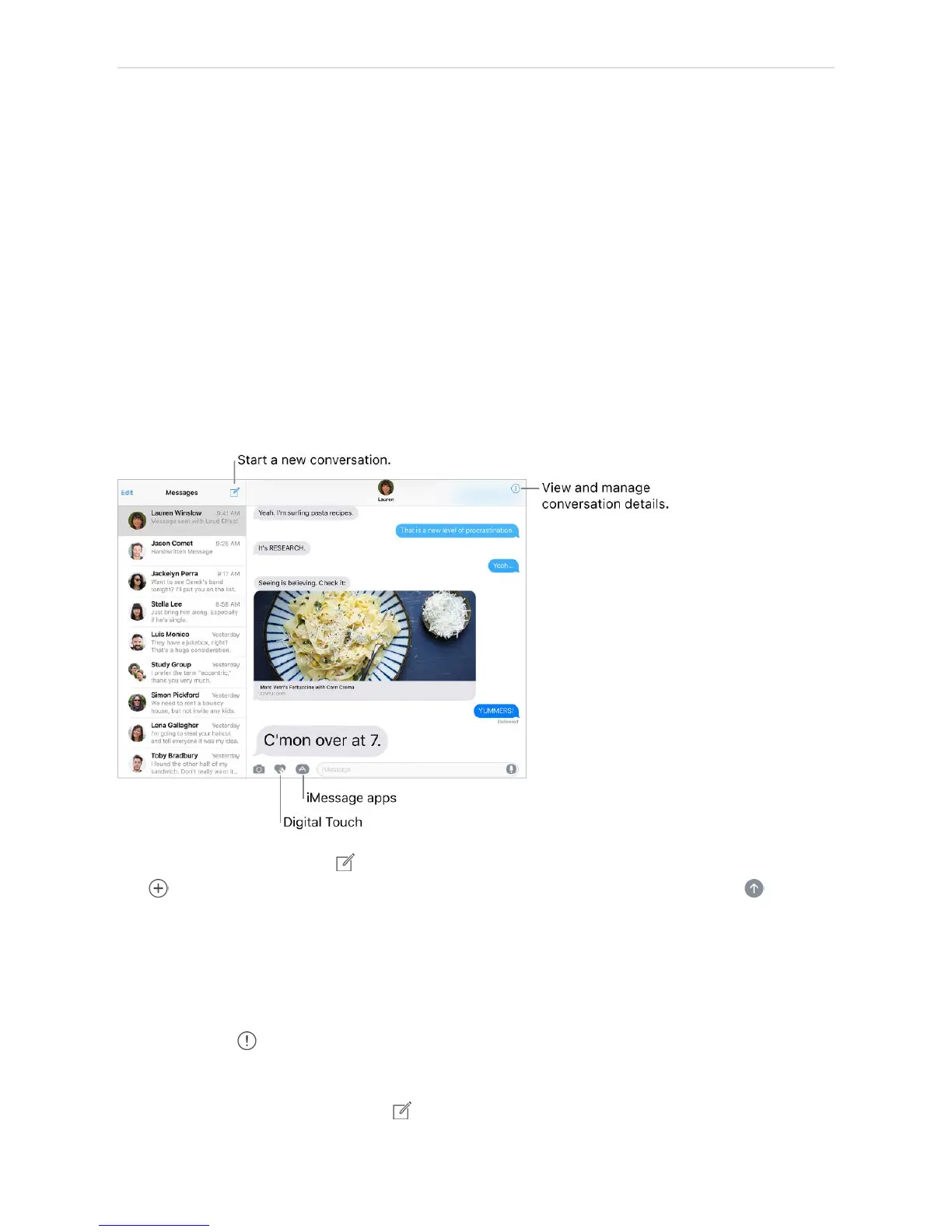
Messages
Send and receive messages
Use Messages to send and receive texts, photos, videos, and more through iMessage or
SMS/MMS services. With the iMessage service, you can enhance your messages with
bubble effects, invisible ink, full-screen effects, your own handwriting, Digital Touch,
iMessage apps, stickers, and more.
Start a conversation. Tap . Enter the recipientʼs phone number or email address, or
tap and choose a contact. Tap the text field, then enter your message. Tap to send.
Alternatively, to start a conversation from Mail, Calendar, or Safari, touch and hold a
phone number, then tap Send Message.
Tip: To see what time a message was sent or received, drag a bubble to the left.
Note: An alert appears if a message canʼt be sent. Tap the alert to try sending the
message again.
Send a message to a group. Tap , then enter multiple recipients.



 To Next Page