To manage a group conversation, tap . You can name the conversation, add someone
to the conversation, or leave the conversation.
Use emoji. When typing a message, tap or to switch to the Emoji keyboard. To
automatically replace text with emoji, tap the highlighted words.
Hide the keyboard. Tap in the lower-right corner.
Resume a conversation. Tap the conversation in the Messages list.
Ask Siri. Say something like:
“Send a message to Emily saying how about tomorrow”
“Reply thatʼs great news”
“Read my messages”
“Read my last message from Bob”
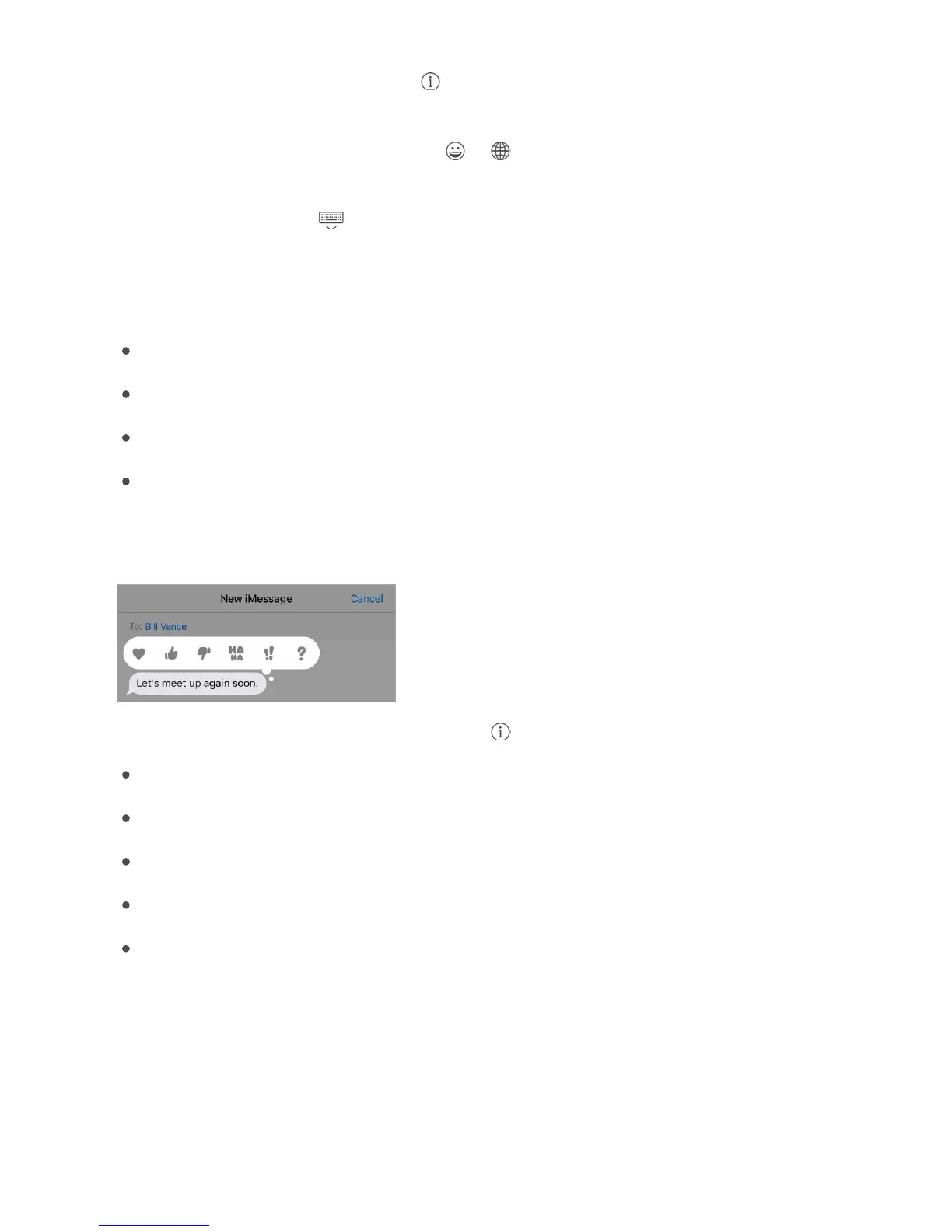
Respond with a Tapback. To send a quick response that lets people know what youʼre
thinking, double-tap a message, then choose your response.
View and manage conversation details. Tap . You can:
Tap a contact to view the contact card.
Perform quick actions such as making a FaceTime call.
Send your current location or share your location for a specified length of time.
Send read receipts.
View images and attachments.
Search conversations. In the Messages list, swipe down to reveal the search field, then
enter the text youʼre looking for. You can also search conversations from the Home
screen. See .
Delete a conversation. In the Messages list, swipe left on the conversation, then tap
Delete.
Search



 To Next Page