Share photos, videos, and audio
With iMessage or MMS, you can send messages with photos, videos, and audio. Your
carrier determines the size limit of attachments; iPad may compress photo and video
attachments when necessary.
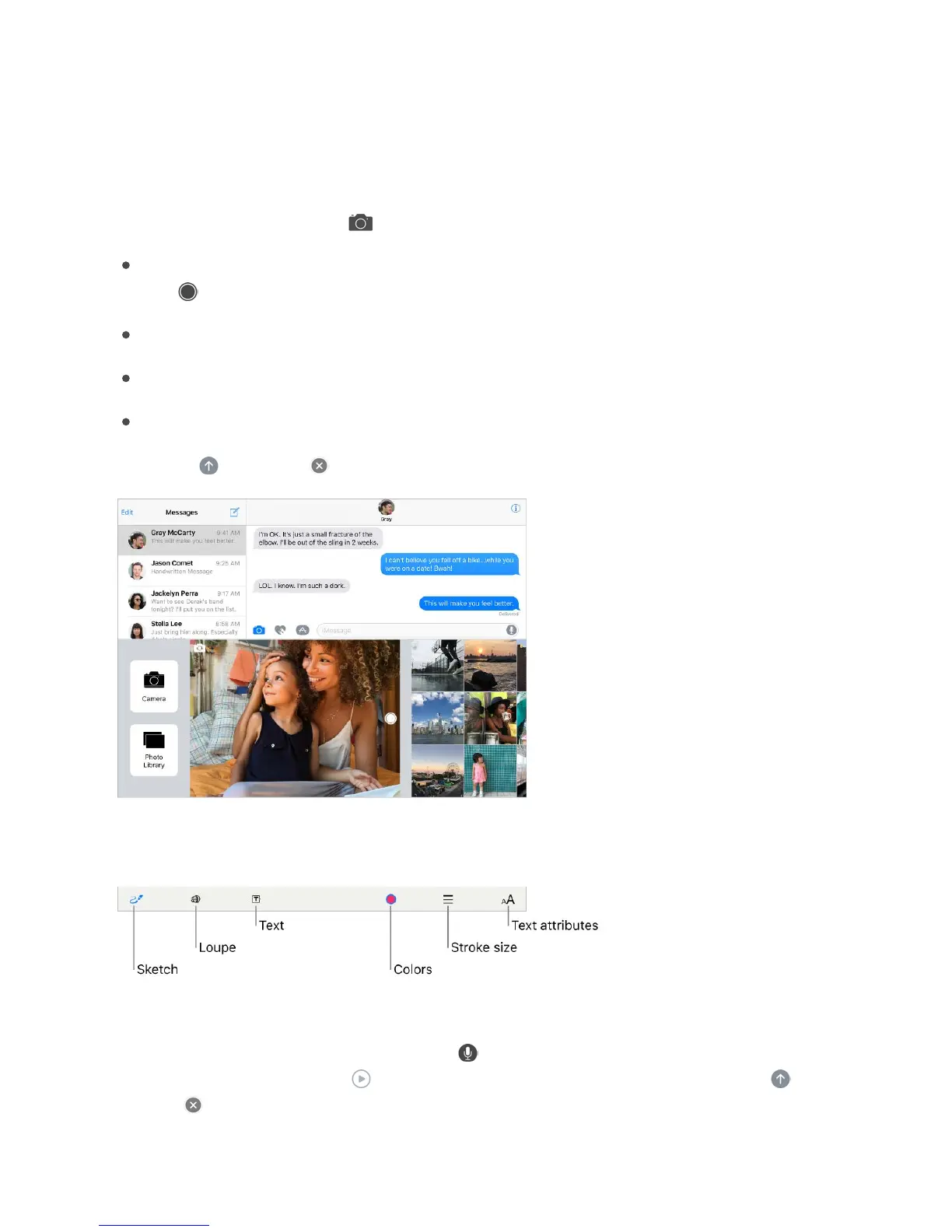
Send a photo or video. Tap . You can:
Quickly take a photo from within Messages: Frame the shot in the viewfinder, then
tap .
Choose a recent photo or video: Swipe left to browse through recent shots.
Take a photo or video using Camera: Tap Camera.
Choose a photo or video from your Photo Library: Tap Photo Library.
Then, tap to send or to cancel.
Mark up a photo. Tap the photo in the message bubble, then tap Markup. Annotate the
photo with the Markup tools.
Find and share trending photos and videos from the web. See .
Send an audio message. Touch and hold to record an audio message, then lift your
finger to stop recording. Tap to listen to your message before you send it. Tap to
send or to cancel.
iMessage apps



 To Next Page