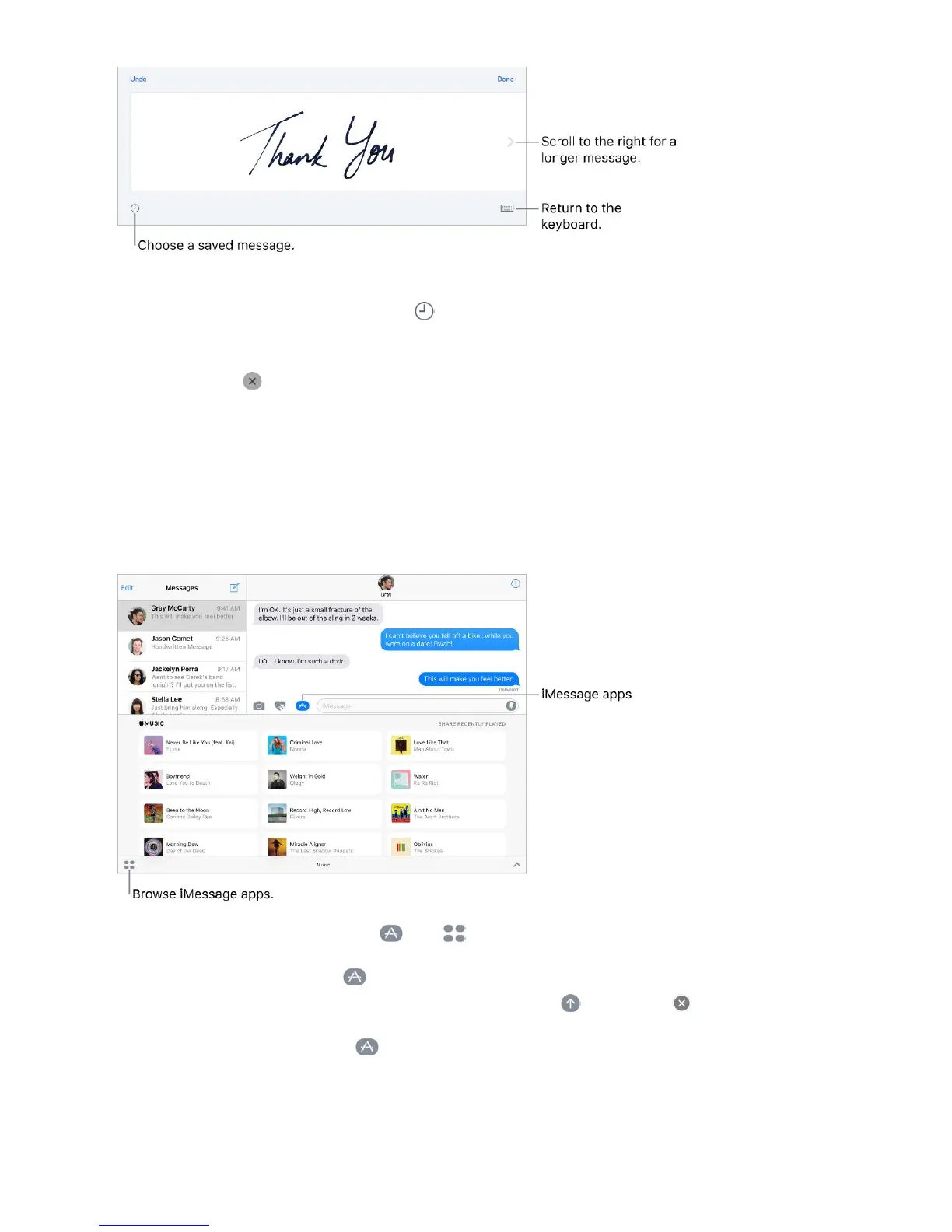
Send a saved message. After you create and send a handwritten message, the message
is saved so you can use it again. Tap , then choose a saved message.
Remove a saved message. Touch and hold a handwritten message until the messages
jiggle, then tap in the top-left corner. When you finish, press the Home button.
iMessage apps
With iMessage apps, you can decorate a conversation with stickers, schedule dinner and
a movie, send payments, share a song, and more—all without leaving Messages. Expand
your options by downloading more iMessage apps from the App Store.
Download iMessage apps. Tap , tap , then tap Store.
Use an iMessage app. Tap , then swipe left or right to browse. Tap an app to add it to
the conversation. Add a comment if you want, then tap to send or to cancel.
Decorate with stickers. Tap to open the app drawer, then swipe left or right to
navigate to a stickers app. Touch and hold a sticker, then drag it anywhere in the
conversation. Before you release, you can:



 To Next Page