Fireball: Touch and hold with one finger.
Kiss: Tap with two fingers.
Heartbeat: Touch and hold with two fingers.
Heartbreak: Touch and hold with two fingers until you see a heartbeat, then drag
down to break the heart.
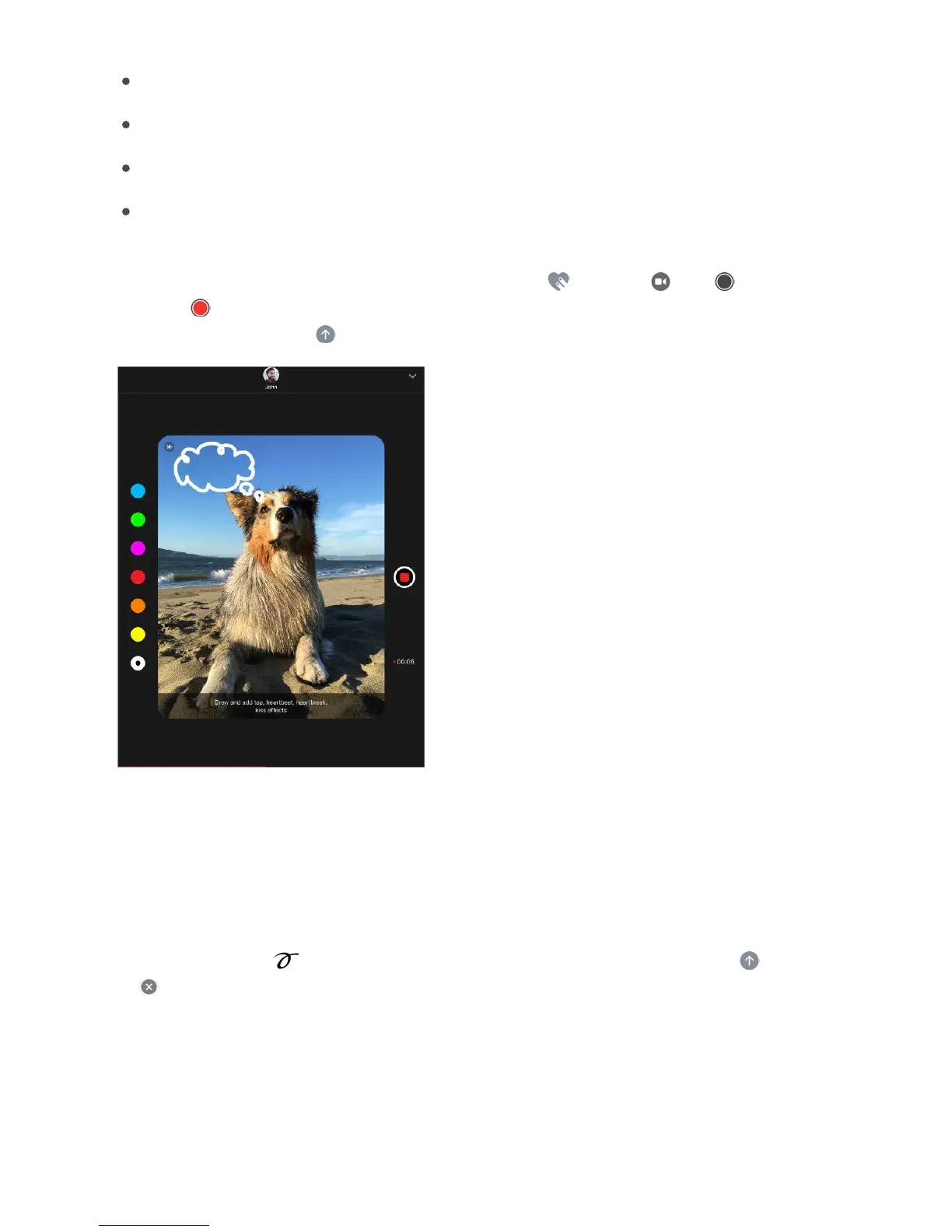
Add a Digital Touch effect to a photo or video. Tap , then tap . Tap to take a
photo or to record a video. Add a Digital Touch effect, such as a sketch or kiss, to the
photo or video, then tap to send.
Handwritten messages
With iMessage, you can send a handwritten message. The recipient sees the message
animate, just as ink flows on paper.
Create and send a handwritten message. Tap the text field to see the onscreen
keyboard, then tap . Write a message with your finger. Tap Done, then tap to send
or to cancel.



 To Next Page