Choose which favorites appear when you tap the search field. Go to Settings >
Safari > Favorites.
See your Mac bookmarks on iPad. Go to Settings > [your name] > iCloud, then turn on
Safari. Bookmarks on your Mac appear in Favorites on iPad.
Add an icon for the current page to your Home screen. To quickly access the page
from your Home screen, tap , then tap Add to Home Screen. The icon appears only on
the device where you add it.
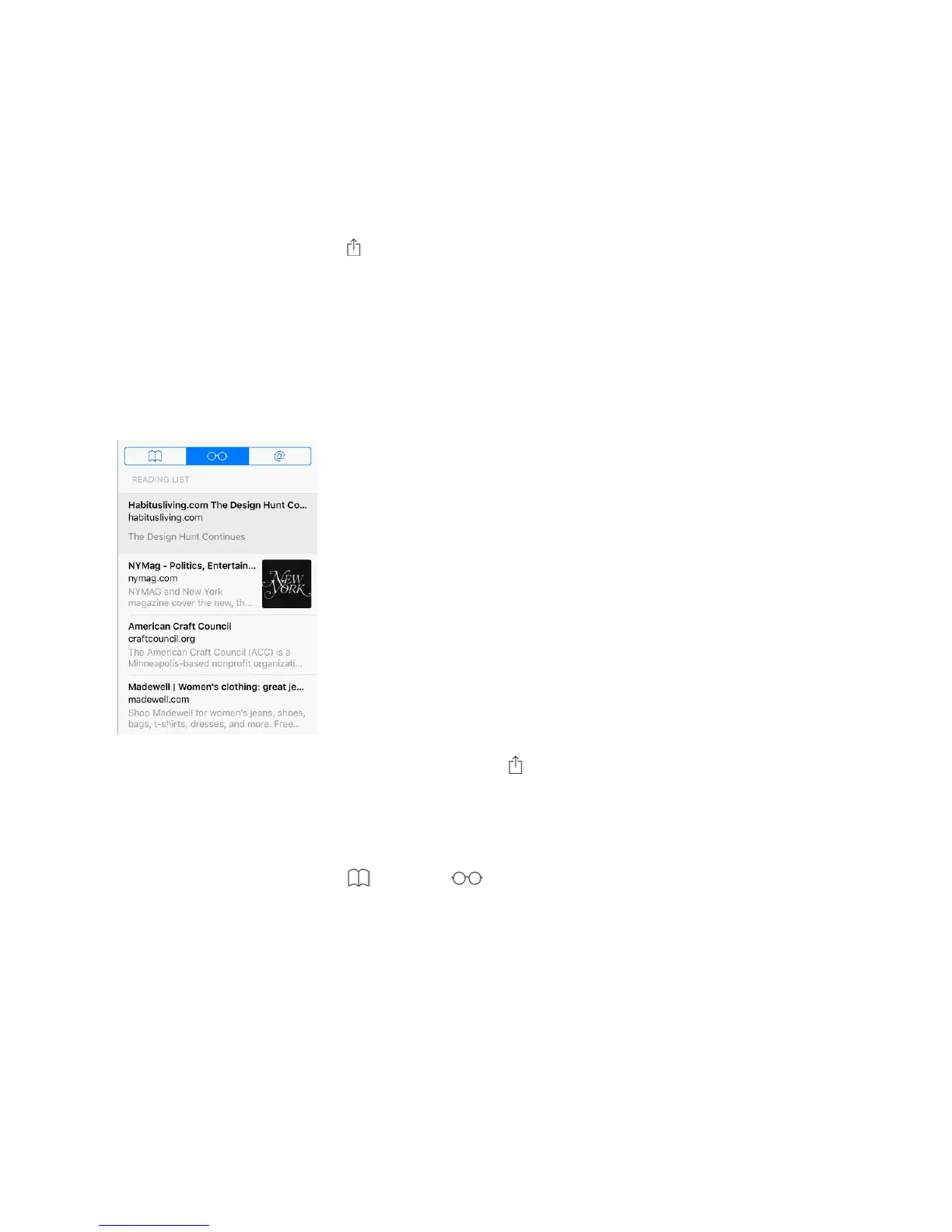
Save a reading list for later
Save interesting items in your reading list so you can revisit them later. You can read
pages in your reading list even when youʼre not connected to the Internet.
Add the current page to your reading list. Tap , then tap Add to Reading List.
Add a linked page without opening it. Touch and hold the link, then tap Add to Reading
List.
View your reading list. Tap , then tap .
Delete an item from your reading list. In your reading list, swipe the item to the left.
Limit downloads to Wi-Fi connections (Wi-Fi + Cellular models). To prevent reading
list downloads from using cellular data, go to Settings > Safari, then turn off Use Cellular
Data (below Reading List).



 To Next Page