124
|
Chapter 16
11. Click Apply. The Sync button appears.
12. Click Sync (if your iPad doesn’t start synchronizing automatically).
Synchronizing Podcasts
Podcasts can consist of multiple episodes; some podcasts are audio only, while
others are video. Since it’s possible to download podcasts directly to your iPad
and your computer, it’s possible that you could download a podcast episode to
your iPad and a newer episode of that same podcast on your computer. When you
connect your iPad to your computer, iTunes is smart enough to synchronize the
different podcast episodes together so both your computer and your iPad contain
identical podcast episodes.
When synchronizing podcasts, you need to choose not only which podcasts
to transfer but also which episodes of that podcast to synchronize. You can select
individual episodes, or you can automatically sync episodes based on criteria, such
as all unplayed episodes or only the most recent episodes.
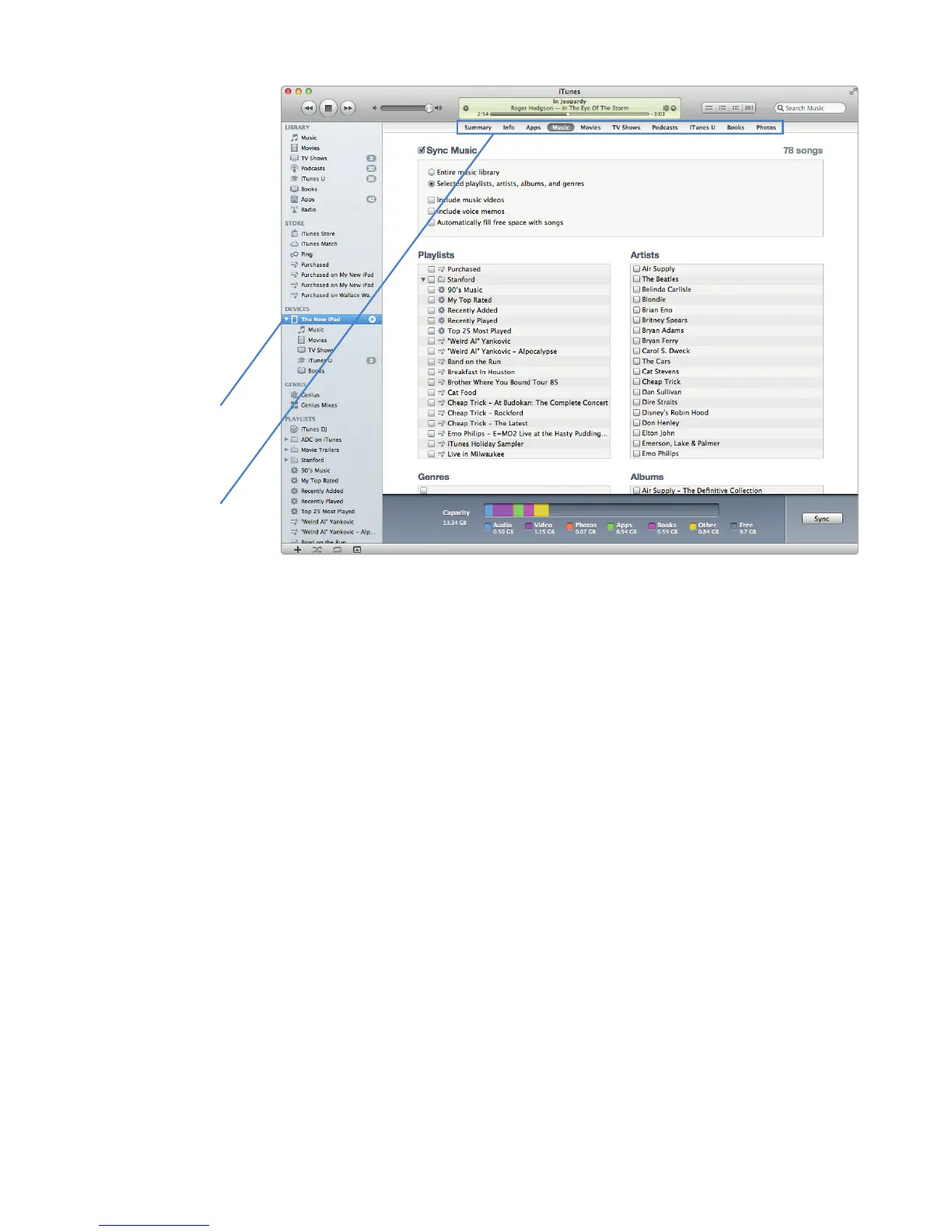
FIGURE 16-1: Additional checkboxes appear to let you select playlists,
artists, genres, or albums.
Next, choose what
kind of media you
want to sync.
First, choose your
iPad in the Devices
category.



 To Next Page