Transferring Songs, Videos, and Other Stuff to Your iPad
|
135
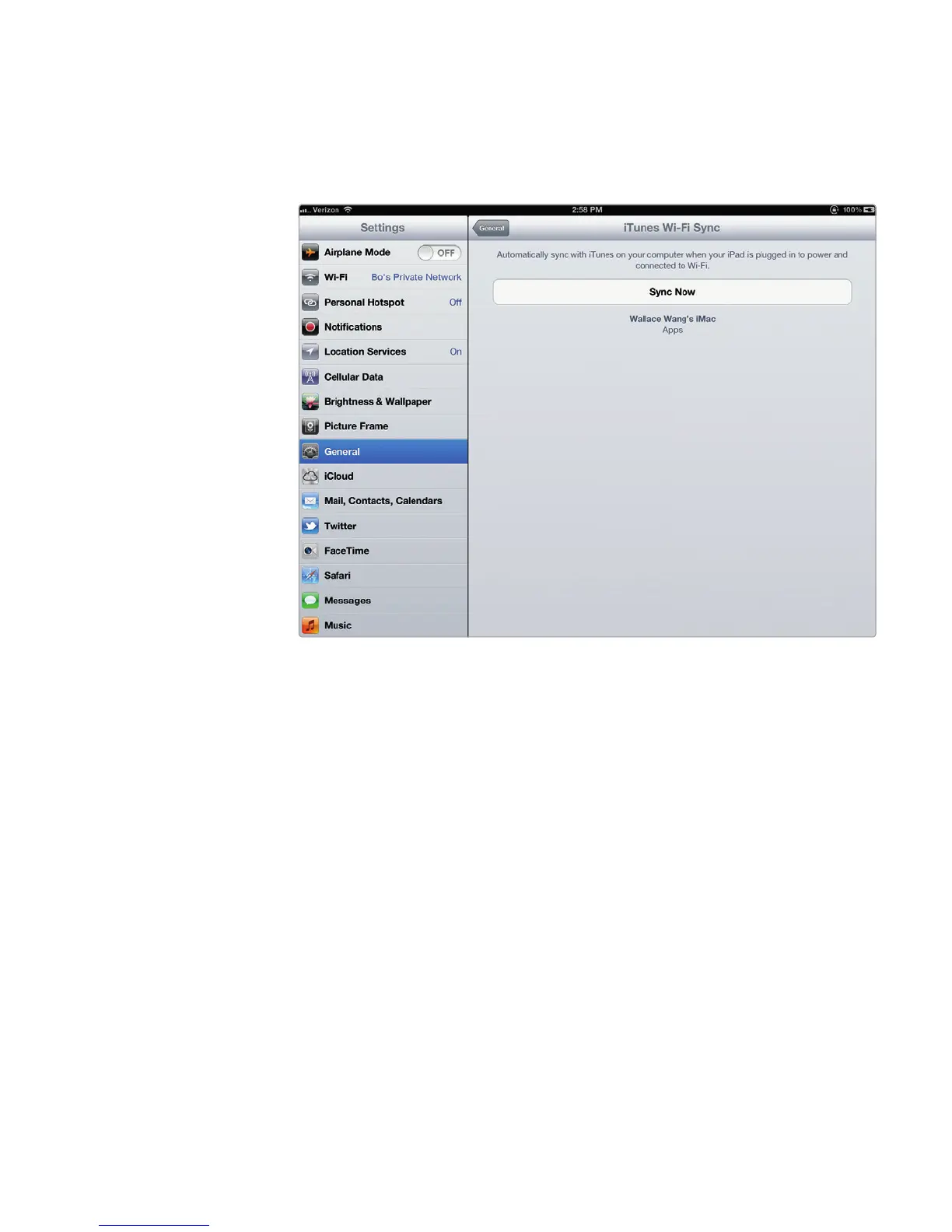
6. Tap iTunes Wi-Fi Sync. The iTunes Wi-Fi Sync screen appears, as shown in
Figure 16-10.
7. Tap Sync Now. The iTunes program on your computer displays your iPad
name under the Devices category just as if you had plugged the iPad into
the computer with the USB cable.
Additional Ideas for Syncing Data
You can freely erase and transfer different audio, video, and ebook files to your iPad,
so don’t think you need to cram everything from your computer onto your iPad. You
can transfer a handful of audio or video files from your computer that you wantto
hear or watch for that day and then pick an entirely different batch of audio or video
files to use the next day.
If you’re learning a foreign language, you can store audio files of that lan-
guage in the iTunes program on your computer and then transfer them to your
iPad so you can hear them wherever you go. You can load motivational lectures
asaudio files and take them with your iPad, too.
FIGURE 16-10: Just tap Sync Now!



 To Next Page