142
|
Chapter 17
8. Tap Purchased at the bottom of the iBookstore screen to see all the ebooks
you’ve downloaded and purchased.
9. Tap Library in the upper-left corner of the screen to return to your bookshelf
on the iBooks screen.
Shopping for Digital Magazines
Many magazines now offer digital editions that you can download and read
withinthe Newsstand app. To shop for digital magazines in Newsstand, follow
these steps:
1. From the Home screen, tap Newsstand. The Newsstand screen appears
with any magazines you’ve already selected, as shown in Figure 17-8.
2. Tap Store in the upper-right corner of the screen. The Newsstand store
screen appears, as shown in Figure 17-9.
3. Tap the Featured tab at the top of the screen to browse magazines currently
recommended by Apple.
4. Tap the Release Date tab at the top of the screen to browse the most recent
magazine issues.
5. Tap the Newsstand button in the upper-left corner of the screen to return to
your list of magazines that you’ve selected.
6. Press the Home button.
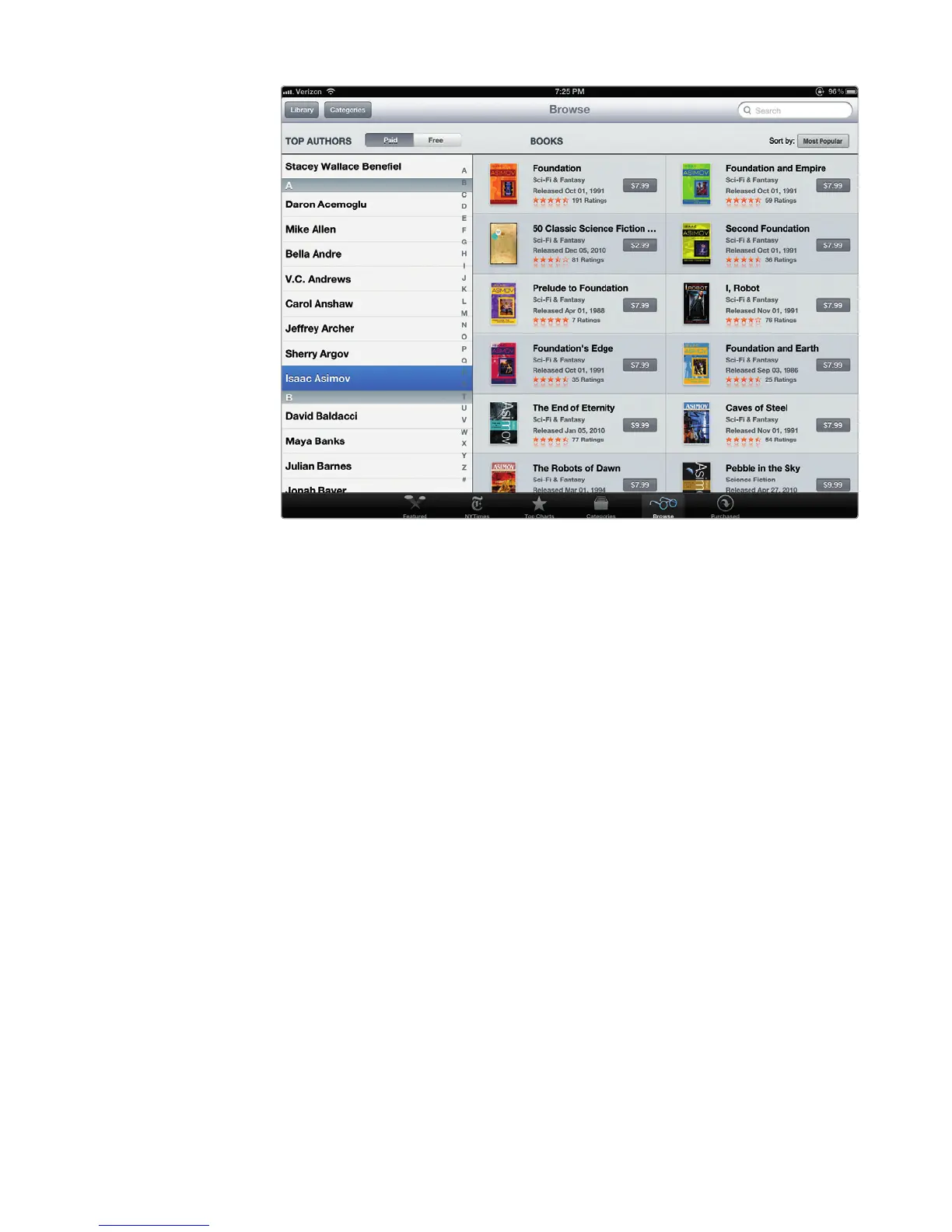
FIGURE 17-7: You can browse for books based on the author’s name.



 To Next Page