146
|
Chapter 18
What You’ll Be Using
To listen to music and other audio files on your iPad, you need to use the following:
The Music app
Finding a Song to Play
The Music app lets you choose one or more songs and play them on your iPad. To
find a song to play, you have four options:
> Playlists Displays lists of songs you’ve organized on iTunes either on your
computer or on your iPad
> Songs Displays all songs stored on your iPad, listed in alphabetical order
> Artists Organizes songs according to the recording artist
> Albums Organizes songs according to the album that they came from
To find a song to play, follow these steps:
1. From the Home screen, tap Music. The Music screen appears.
2. Tap the Playlists tab at the bottom of the screen. If you have created any
playlists, they appear in alphabetical order.
3. Tap the Songs tab at the bottom of the screen. A complete listing of your
songs appears.
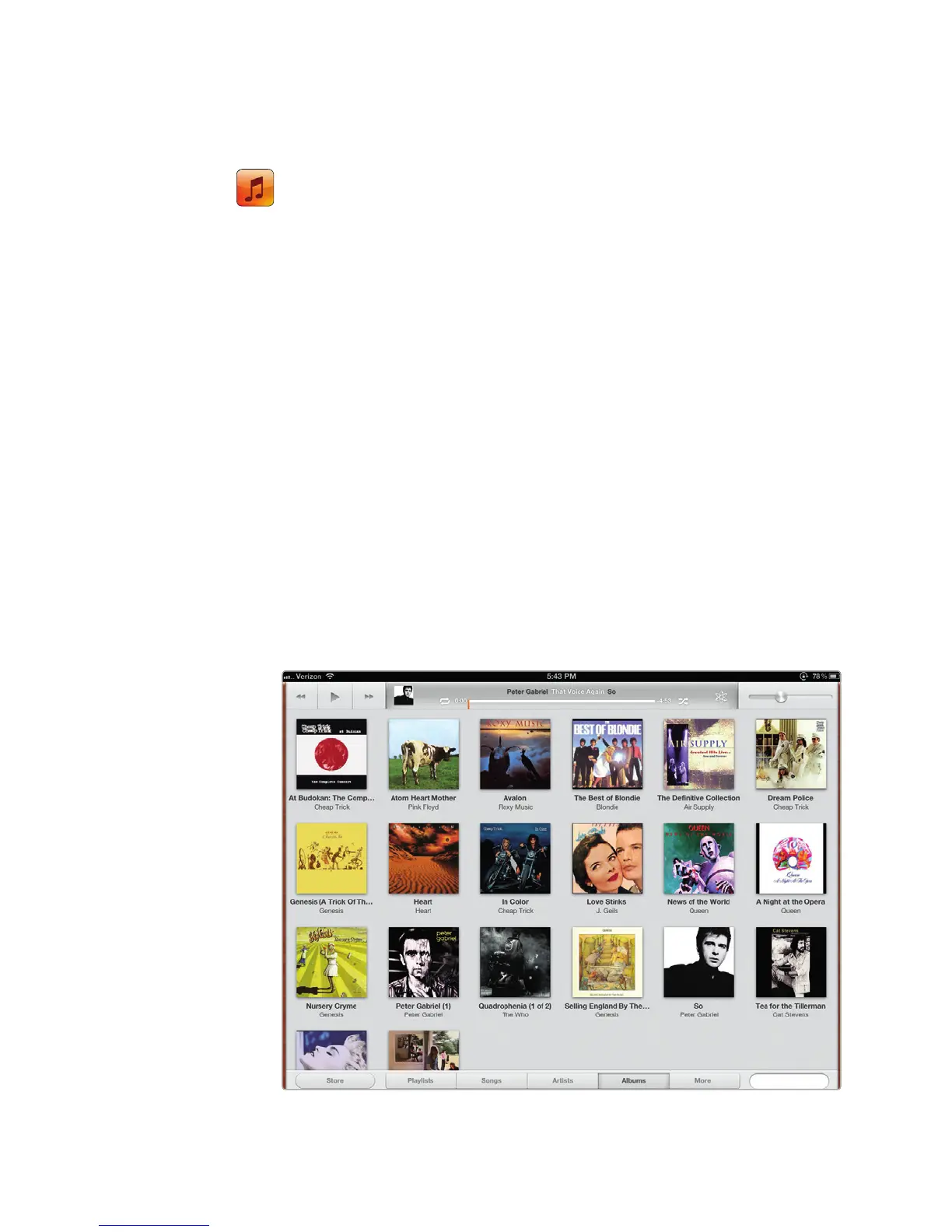
4. Tap the Artists tab at the bottom of the screen. A list of artists appears with
a single album cover representing an artist, as shown in Figure 18-1.
FIGURE 18-1: Pick the artist you want to listen to.



 To Next Page