150
|
Chapter 18
4. Tap the Album List icon again to see the album art image once again.
5. Tap the Album Art icon that appears to the right of the Forward button.
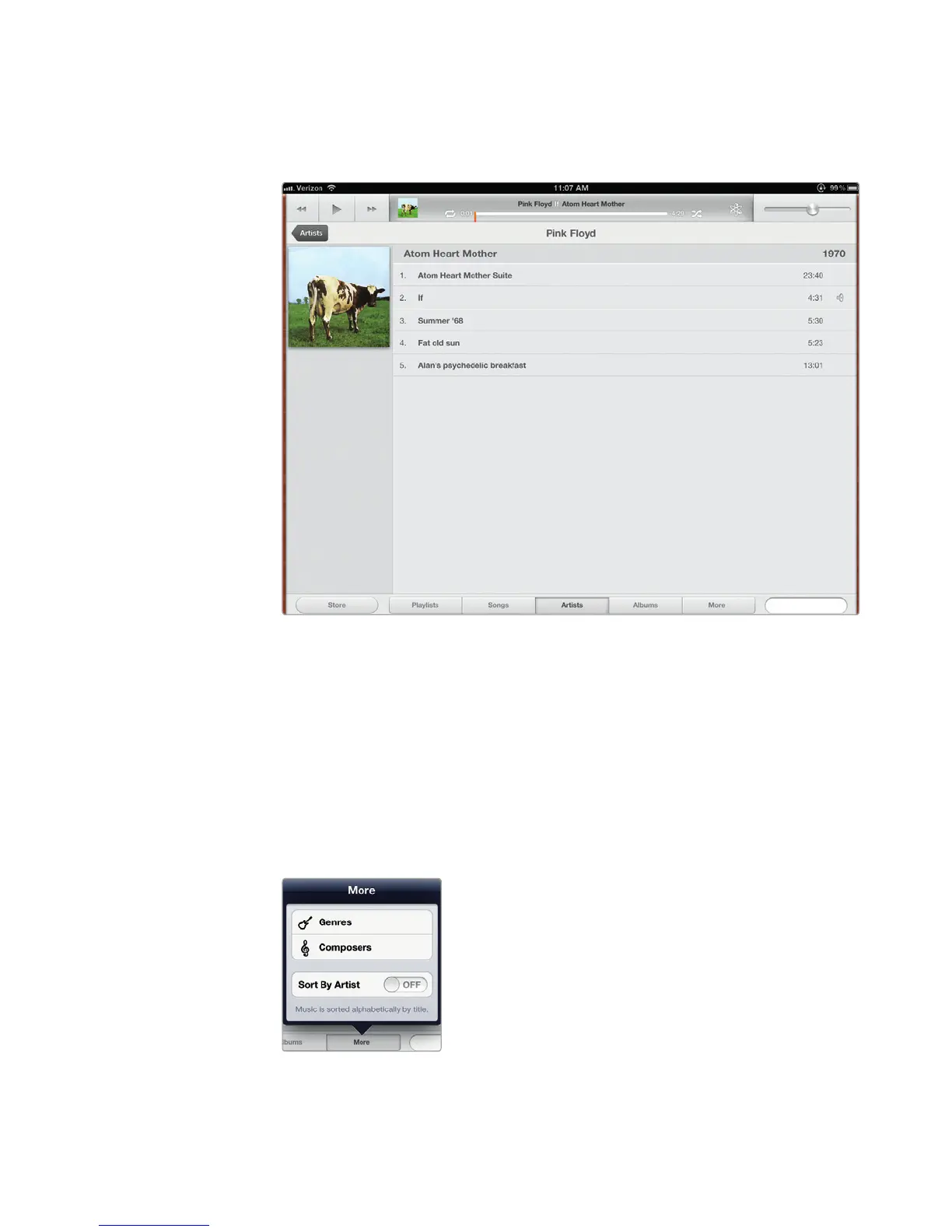
The Music app displays another view of your album art with a list of available
songs, as shown in Figure 18-7.
Finding a Song by Genre or Composer
Another way to find a song is by genre (rock, country, jazz, etc.) or the composer’s
name. To search for a song by genre or composer, follow these steps:
1. From the Home screen, tap Music. The Music screen appears.
2. Tap More at the bottom of the screen. A More menu appears, as shown in
Figure 18-8.
FIGURE 18-7: Another view of the album list
FIGURE 18-8: The More menu
lets you view songs by genre
or composer.



 To Next Page