Listening toMusic
|
151
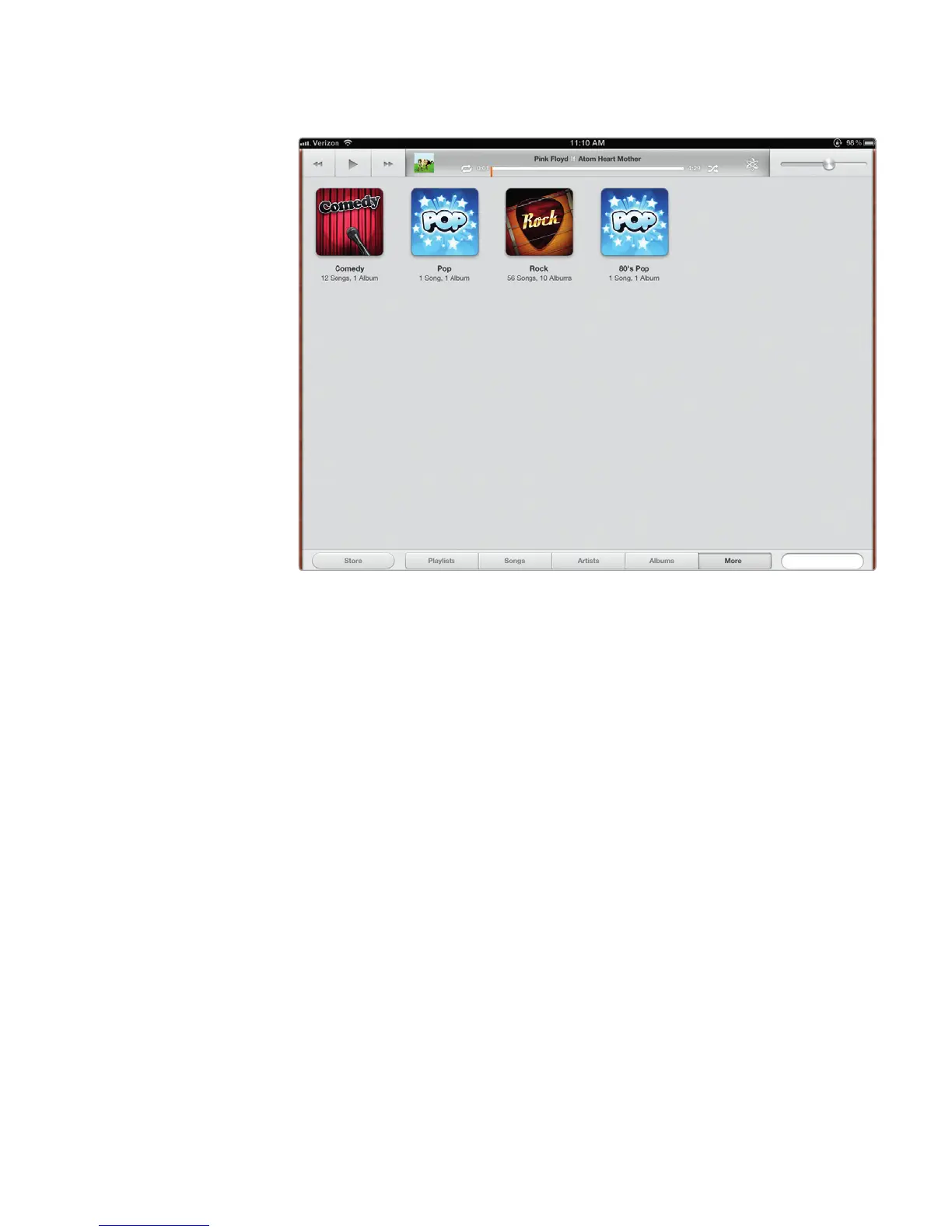
3. Tap Genres. The Music app displays different genre icons that you can
choose, as shown in Figure 18-9.
4. Tap More at the bottom of the screen again. The More menu appears.
5. Tap Composers. The Music app displays a list of album art organized by
composers.
Searching for Any Audio File
If you’re looking for a particular audio file, searching through individual categories,
such as the Albums or Playlists, can be tedious. To search for any audio file stored
in your iPad, follow these steps:
1. From the Home screen, tap Music. The Music screen appears.
2. Tap the Search field that appears in the bottom-right corner of the Music
screen. A virtual keyboard appears, as shown in Figure 18-10.
3. Type a word or phrase. As you type, the Music app displays a list of matching
items. Tap the one you want to play.
4. Tap the Hide Keyboard key in the bottom-right corner of the virtual keyboard.
FIGURE 18-9: You can search for songs based on genre.



 To Next Page