176
|
Chapter 21
What You’ll Be Using
To learn how to take photos and video with your iPad, you need to use the
following:
The Photo Booth app
The Settings app
The Camera app The FaceTime app
Taking Pictures
Your iPad comes with an app called Camera, which lets you take still or video
images using the front- or back-facing camera. To see how to take pictures, follow
these steps:
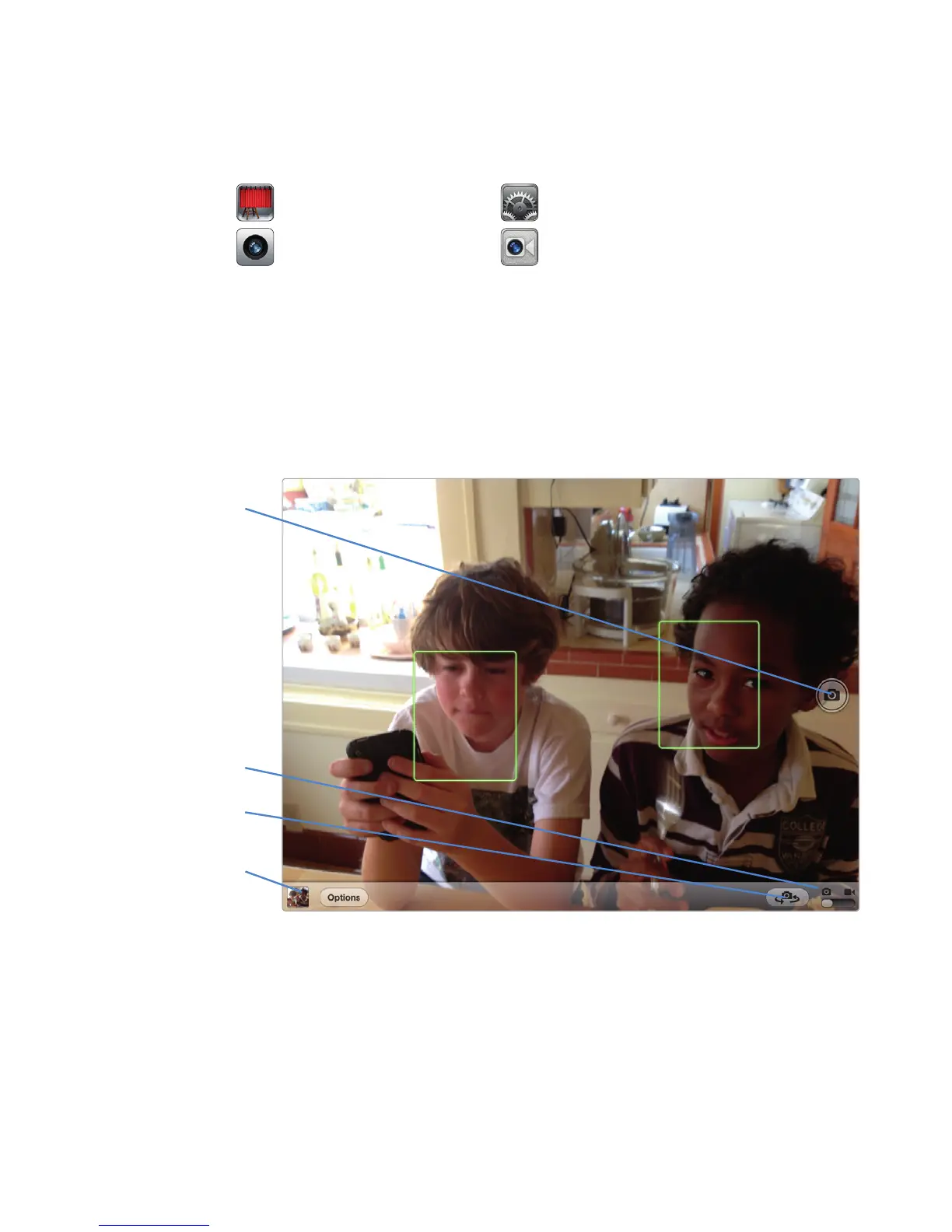
1. From the Home screen, tap Camera. The Camera screen appears, as shown
in Figure 21-1.
2. Tap anywhere on the screen (like a nearby face or a far-off building) to focus
the iPad’s camera on that object.
3. Tap the Camera button in the lower-right corner of the screen. Tapping this
button switches between the front- and back-facing cameras.
Photos
FIGURE 21-1: Tap anywhere on the Camera screen to change the iPad’s
focus.
Record
Still/Video
Choose the front- or
back-facing camera



 To Next Page