204
|
Chapter 24
What You’ll Be Using
To type and manage a reminder list of items on your iPad, you need to use the
following:
The Reminders app
Creating a Reminder
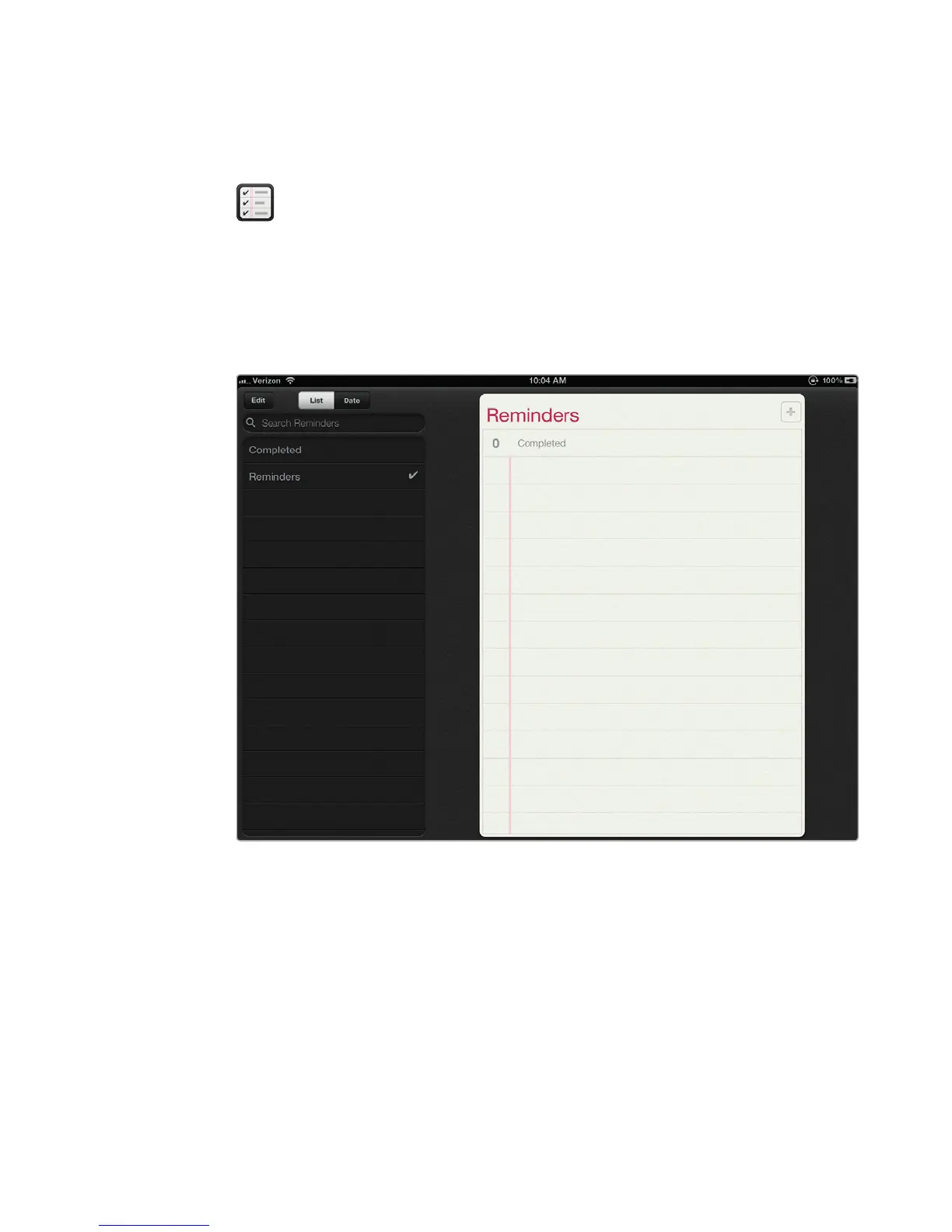
The Reminders app divides the screen in half. On the left side of the screen, you
can see a list of all your reminder items. On the right side of the screen, you can
write your actual reminders, asshown in Figure 24-1.
To type a reminder, follow these steps:
1. From the Home screen, tap Reminders. If you haven’t created any reminders
yet, you’ll see just a blank screen.
2. Tap the List tab at the top of the left side of the screen.
3. Tap the top line of the Reminders screen, or tap the plus sign icon in the
upper-right corner of the Reminders screen. The virtual keyboard appears at
the bottom of the screen.
FIGURE 24-1: The Reminders app lets you organize your goals and to-do list.



 To Next Page