244
|
Chapter 28
What You’ll Be Using
To search for apps and other items, you need to use the following:
> Spotlight
The Settings app
Searching with Spotlight
Spotlight is a special feature that acts like a search engine on your iPad. Just type
all or part of a word, and Spotlight tries to find an item that matches your search
criteria. By default, Spotlight will search through your Apps, Audiobooks, Calendar
appointments, Contacts, Mail messages, Music, Notes, Podcasts, and Videos.
To search for any of these items, follow these steps:
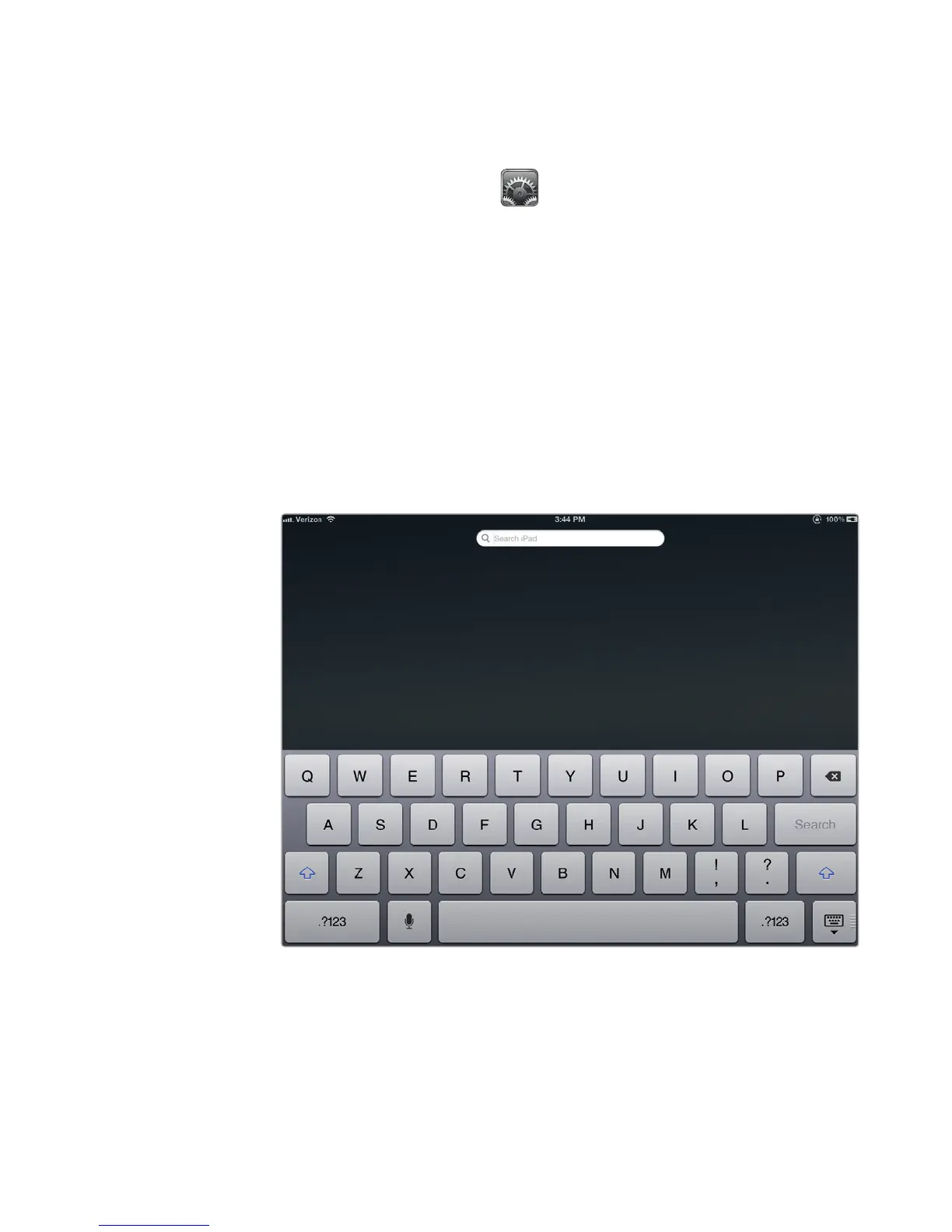
1. From the Home screen, swipe your finger from left to right. The Spotlight
screen appears with a Search iPad field at the top and the virtual keyboard
at the bottom, as shown in Figure 28-1. (You can also get to the Spotlight
search page by pressing the Home button when you’re at the Home screen.)
FIGURE 28-1: The Spotlight screen appears when you swipe the Home
screen to the right.



 To Next Page