Making Your iPad Accessible
|
251
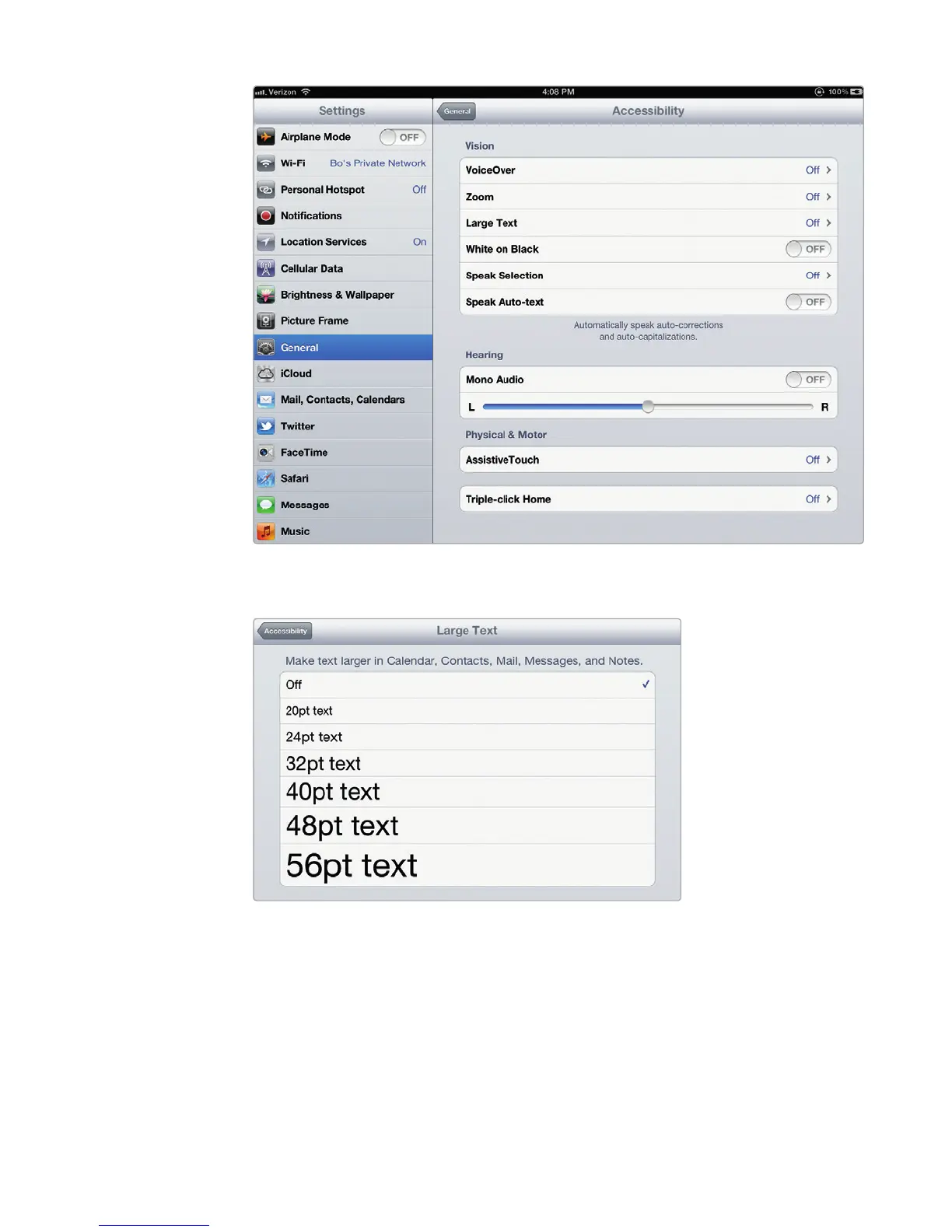
To turn on the VoiceOver feature, follow these steps:
1. From the Home screen, tap Settings. The Settings screen appears.
2. Tap General. The General settings screen appears.
3. Tap Accessibility. The Accessibility settings screen appears (shown earlier in
Figure 29-1).
FIGURE 29-1: The Accessibility settings screen
FIGURE 29-2: Make text easier to read by choosing a
larger font size.



 To Next Page