258
|
Chapter 30
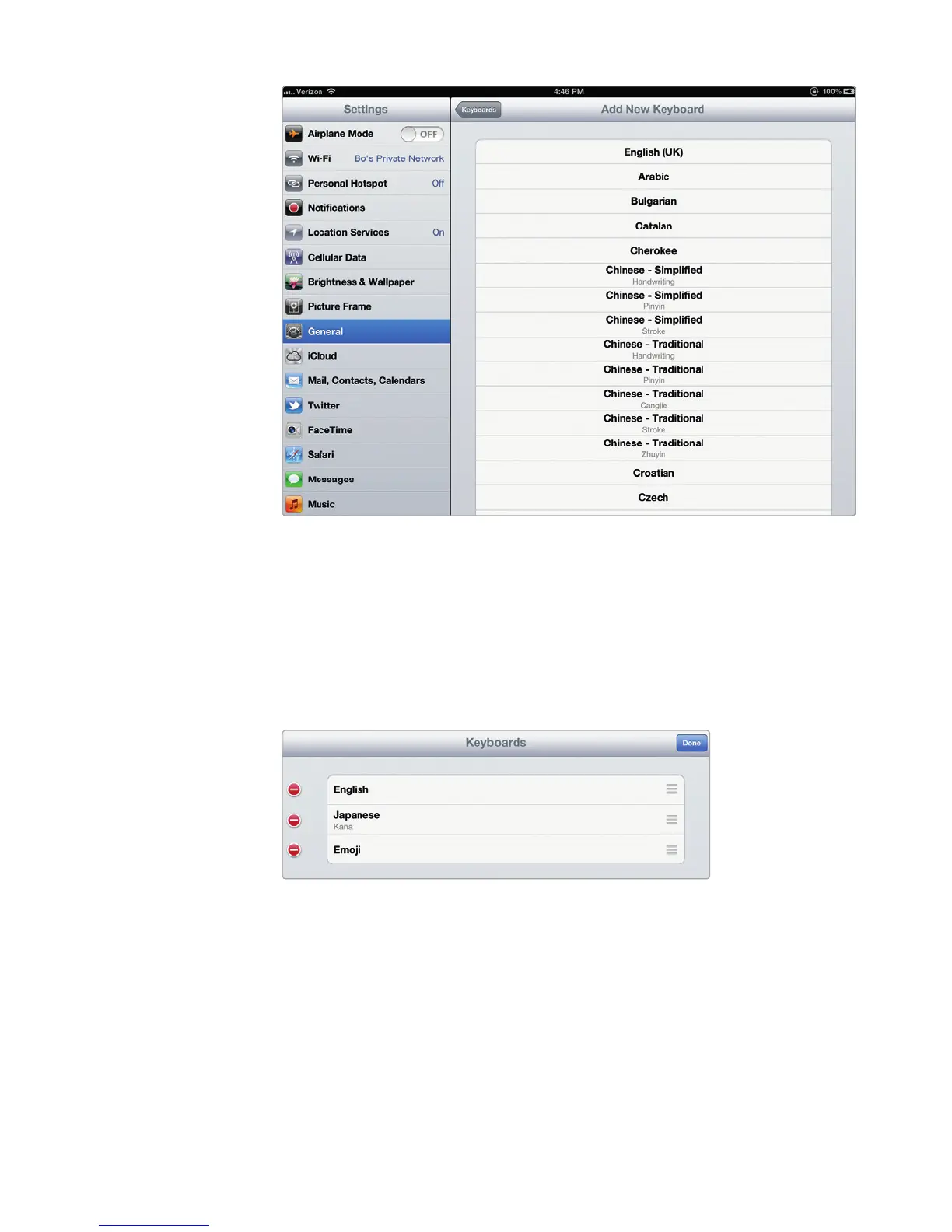
7. (Optional) Tap Edit on the keyboard page to rearrange or delete your key-
boards, as shown in Figure 30-4. Just drag the three gray bars on the right to
move each keyboard around. The first keyboard on this screen will be your
default keyboard.
8. Press the Home button.
Using a Foreign-Language Virtual Keyboard
After you have defined one or more foreign-language virtual keyboards, you can
switch to that foreign-language keyboard any time the virtual keyboard pops up,
such as when typing an email message or a note in the Notes app.
FIGURE 30-3: The Add New Keyboard screen shows all the virtual
keyboards you can add.
FIGURE 30-4: Drag the gray bars on the right to rear-
range your keyboards. The one on top will be your
default keyboard.



 To Next Page